Deep dives on every new image and video model the moment it lands in Karya.
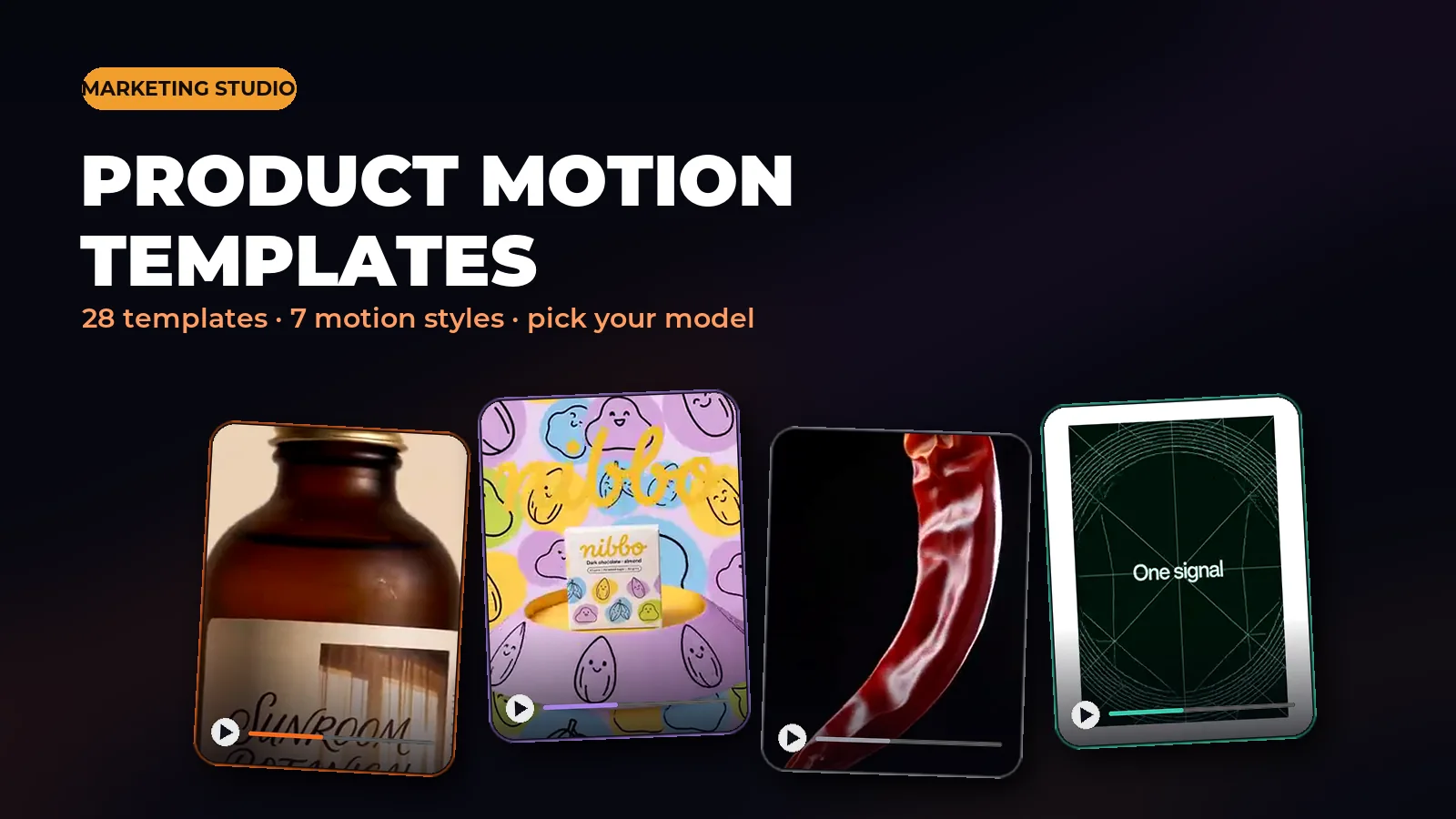
No presenter, no camera - just your product photo. Pick a template, pick a style, pick a model, and Marketing Studio turns it into a TV-ad style motion video.
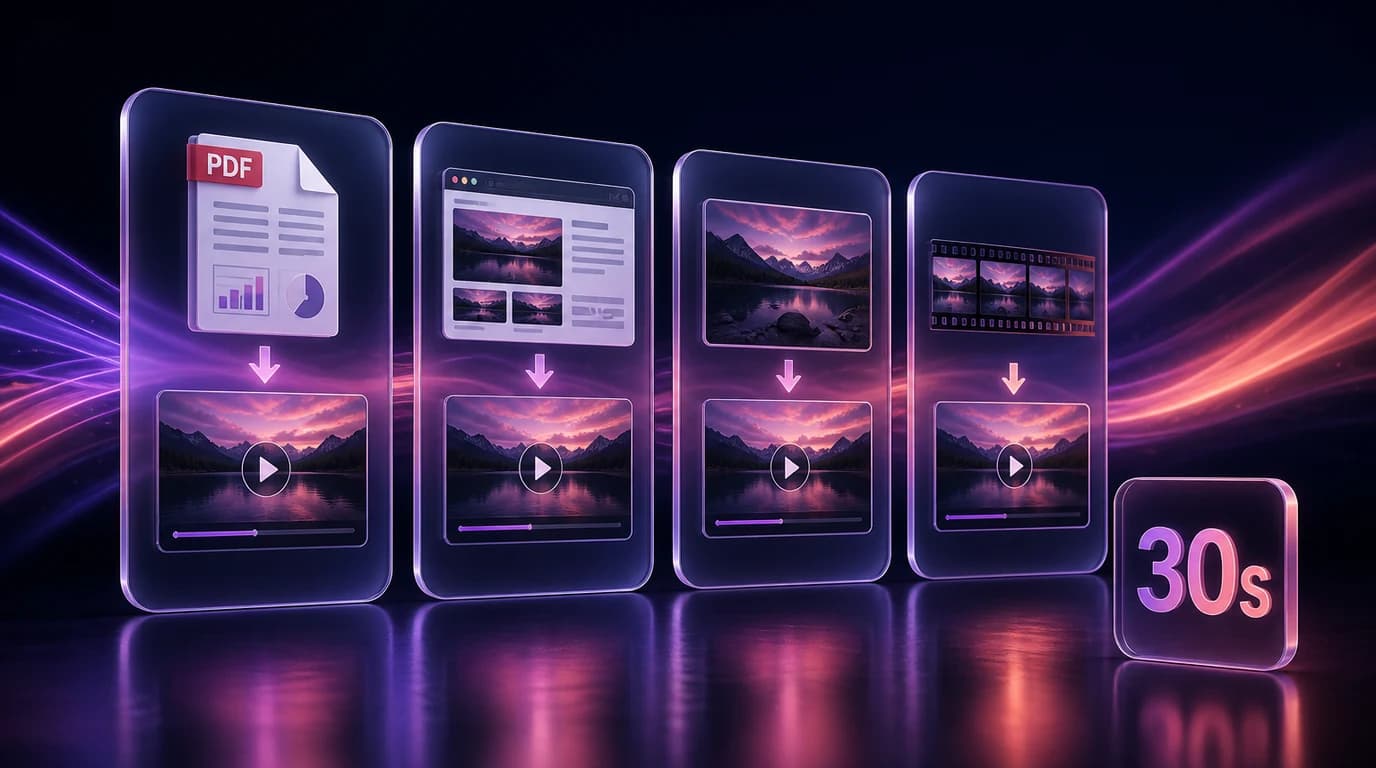
Pick an ad style and Director writes the headline, subline and layout for a set of image ads. Paste a link up to 2 minutes long and it studies the whole clip. Upload your own footage and Director builds around it instead of generating everything from scratch.
Two new models land in Karya: Seedream 5.0 Pro for precision image editing with up to 10 references, and Gemini Omni Flash 1.1 for video with first/last-frame control and a video-input mode.
Paste a reference link and Director recreates its winning structure with your product, or skip the link and let Director suggest a concept from your photos. Either way you get a finished, voiced, captioned video - and one click turns it into another language or up to 6 fresh variants.
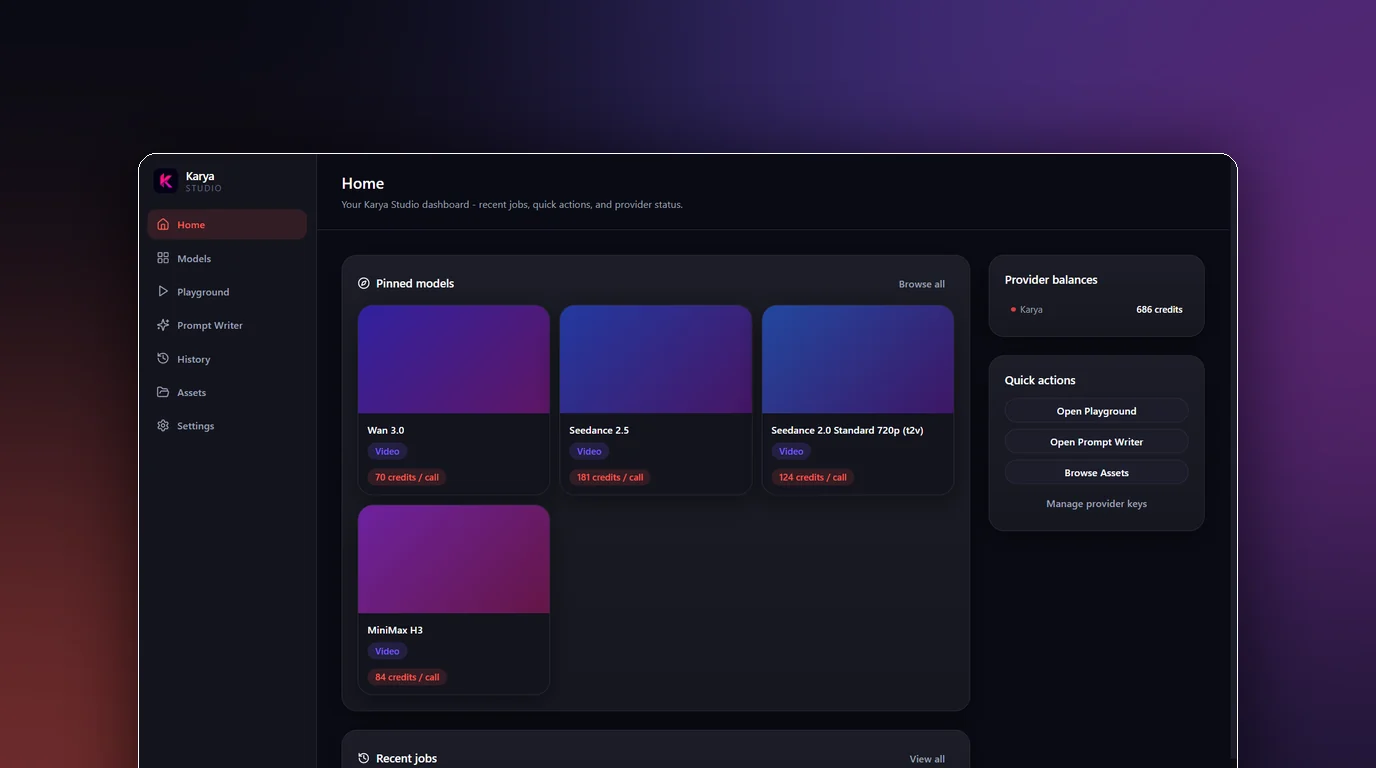
One API key, a native Windows window, and every model in your Karya account - with generations saved straight to a folder on your PC. Here is what shipped and how to get started.
Every Seedance video is now about a third cheaper, H3 2K dropped too, and a new 480p tier makes MiniMax H3 the cheapest serious video model in Karya. Nothing else changed - same models, same quality.
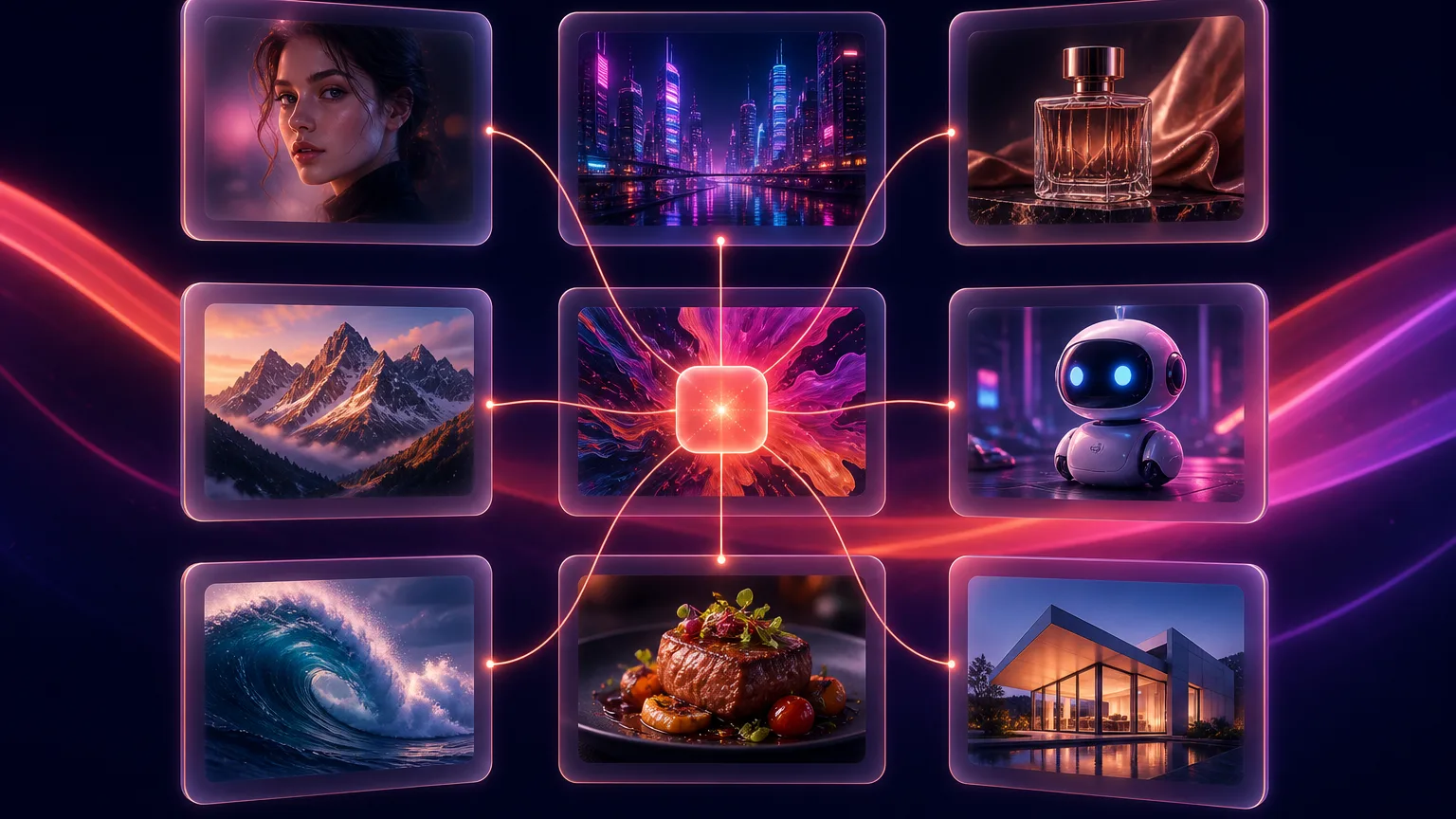
Seedance 2.5, Kling 3.0 Omni, Wan 3.0, PixVerse V6, Hailuo 2.3 Pro, Qwen 3 Pro, Seedream 4.5 and more just landed in the Image Studio, Video Studio and Flow. Here is the full list and where to find each one.
Nine new video modes, longer clips, and a resolution choice that makes MiniMax H3 cost less than half what it did yesterday. Here is everything that opened up.
Up to 2K, 24fps clips with audio generated alongside the video, not bolted on after. Here is what MiniMax H3 does well and how to use it in Karya's Video Studio and Flow.
Generate images and video from inside Claude itself. Here is what Karya MCP is, which tools it exposes, and how to connect it in two minutes.
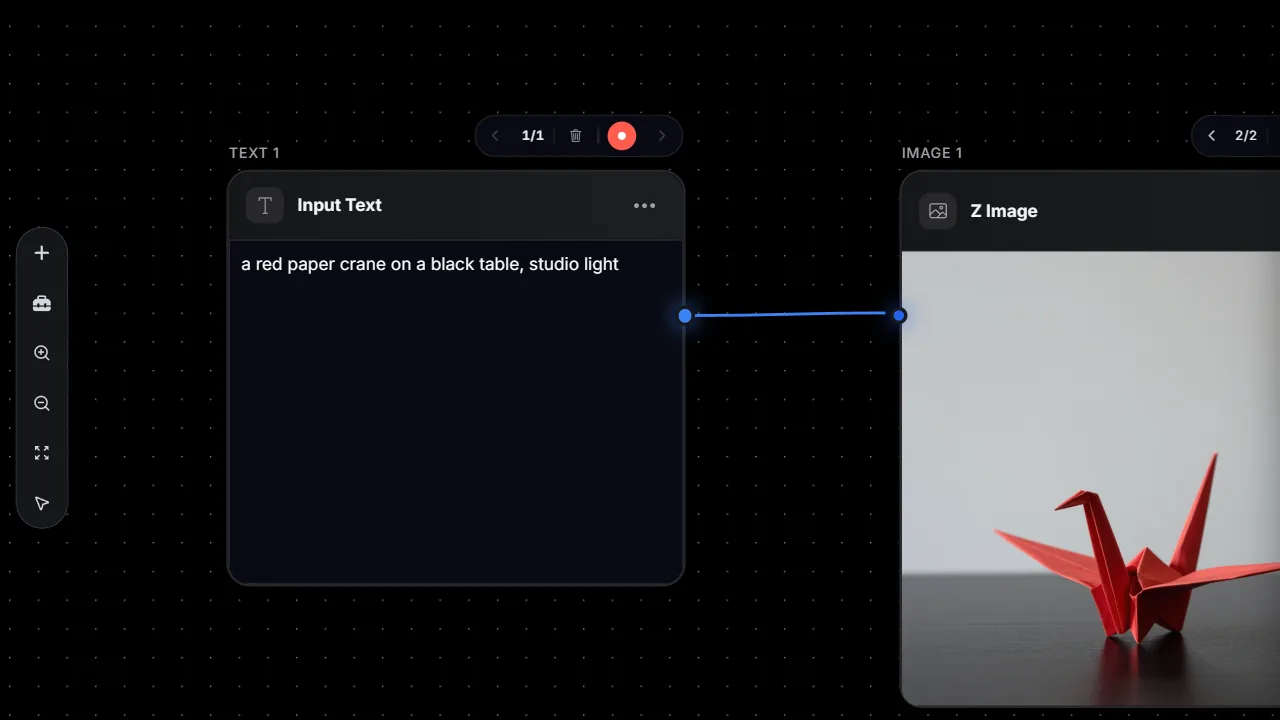
Chain a prompt into an image into a video, or wire up voice, upscaling and background removal, all on one canvas. Run the whole pipeline with a single click, or run any node alone.
Edit one part of an image and leave the rest untouched. Here is what Seedream 5.0 does well and how to run it in Karya's Image Studio.
Crisp text, strong prompt-following, clean edits. Here is when to reach for GPT Image 2 - and how to get the most out of it in Karya.
Fast, consistent, great with reference images. Here is where Nano Banana Pro shines and how to run it in Karya.
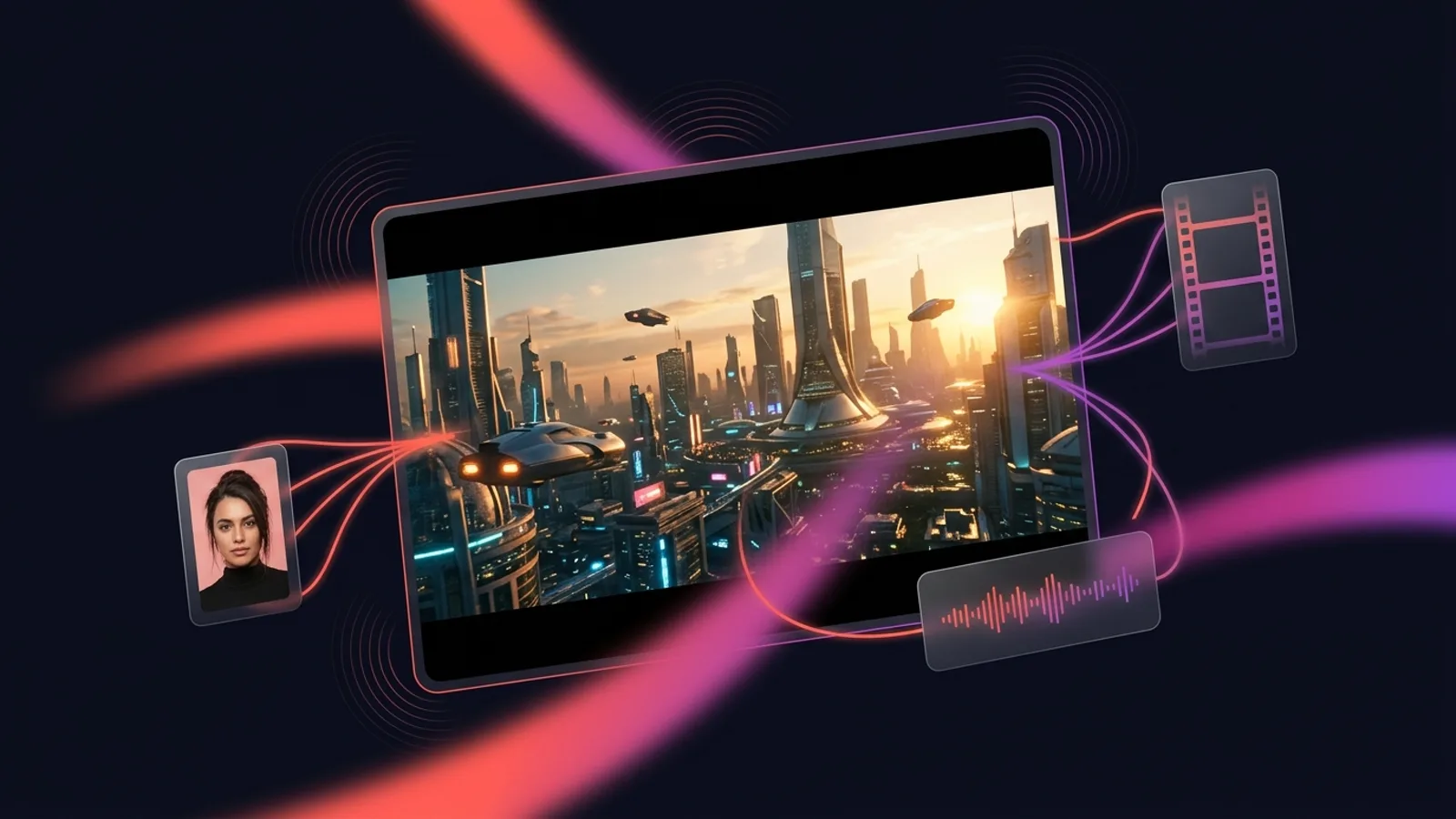
Multi-reference, prompt-accurate video generation. Here is how to get the most out of Gemini Omni in Karya.
Cinematic motion and believable camera work. Here is when Kling 3.0 is the right call - and how to run it in Karya.
Seedance 2.0 is a frontier AI video model. Here is what it does well and how to get good results from it.
 karya
karya