
Model Releases
Kling 4.0 Flash Is Now in Karya: Faster, Lower-Cost Kling Video
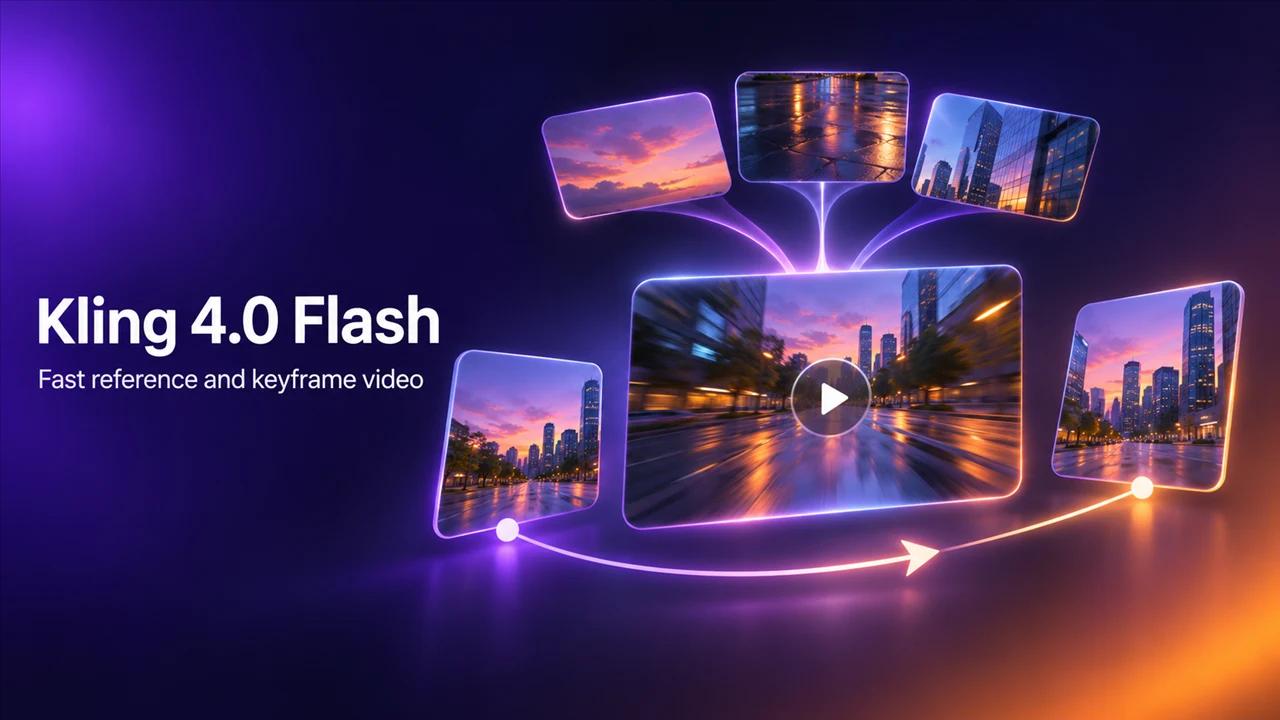
Kling 4.0 Flash is now in Karya. It is the faster, lower-cost version of Kling 4.0. It makes 720p video from 3 to 20 seconds, with a reference mode and a keyframe mode.
Who it is for
Business owners and creators who test a lot before they publish. If you make product reels and ads, Flash lets you check the idea, the pacing and the references at a lower price.
What Kling 4.0 Flash does
- Reference mode: a prompt plus up to 10 reference images and up to 5 short reference clips.
- Keyframe mode: one first-frame image plus a prompt.
- 720p, from 3 to 20 seconds.
Kling 4.0 Flash or Kling 4.0
Use Flash to find the idea, and Kling 4.0 for the final when you need 1080p, longer shots up to 30 seconds, or more control over the start and end frames. Flash costs fewer credits, so it is the better place to run your first few attempts.
Related reading
How to use it in Karya
Open Video Studio and choose Kling 4.0 Flash.
- Pick reference or keyframe mode.
- Add your reference pictures or your first frame, and write your prompt.
- Choose the length.
- Check the credit cost on the button, then generate.
Pricing
Karya shows the exact credit cost before you generate, and top-up credits never expire. For a 5 second clip at 720p:
- Kling 4.0 Flash, reference mode: 74 credits.
- Kling 4.0 Flash, keyframe mode: 74 credits.
- Longer clips cost more, and the price is shown before you generate.
What to try first
Upload one photo of your product as the first frame in keyframe mode and describe the camera move. If the shot works, take the same prompt to Kling 4.0 for the final.
Try it in Karya
Generate images and videos with frontier AI models from one canvas. Subscribe from $19/mo, or top up from $5 - 200 bonus credits with your first purchase, and top-up credits never expire.
Start free