
Model Releases
Kling 4.0 Is Live in Karya: 30-Second Shots, Reference Mode and Keyframes
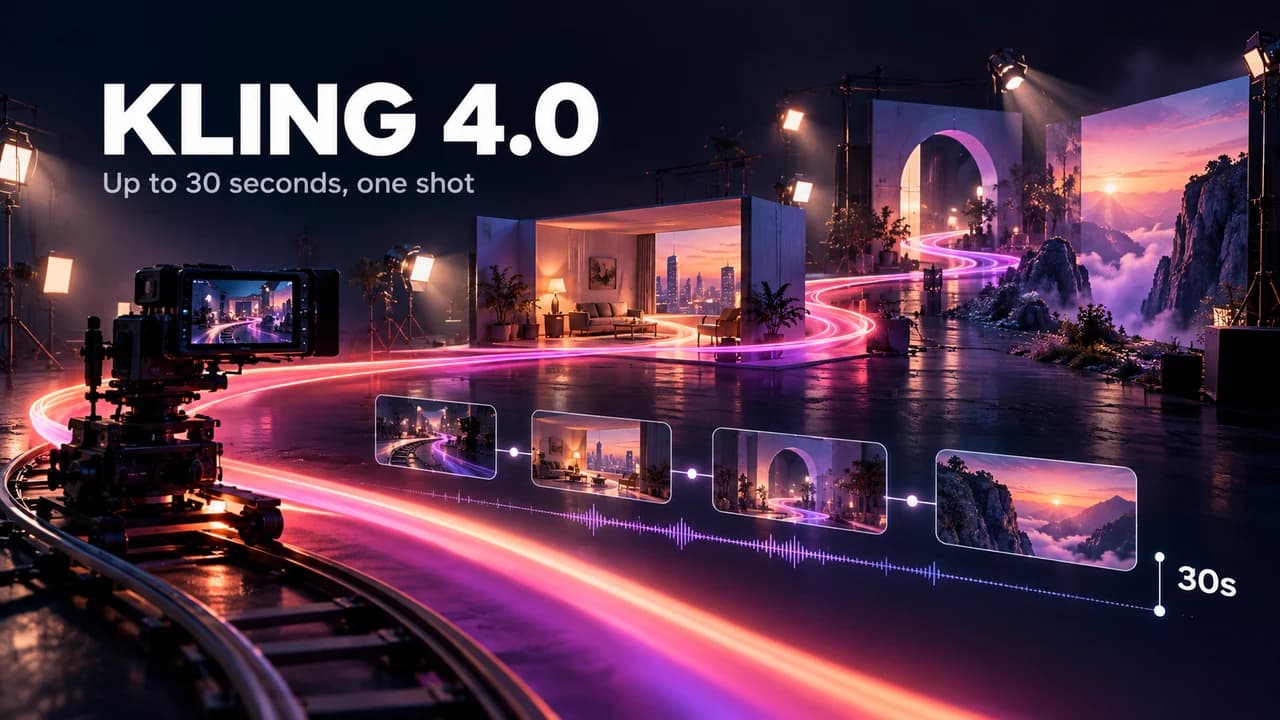
Kling 4.0 is now live in Karya Studio. The headline is length and control: one continuous shot up to 30 seconds, native sound, and a choice of how you steer it, from a plain text prompt to a stack of reference images and clips to a first and last frame you draw yourself.
It sits next to Kling 3.0 Omni in the Video Studio model picker, so you can run the same idea through both and keep whichever looks better.
Three ways to use it in the Video Studio
- Kling 4.0 (text-to-video): write a prompt, pick 16:9, 9:16, 1:1 or 21:9, choose 720p or 1080p and a length from 3 to 30 seconds.
- Kling 4.0 (Reference): upload up to 10 images and up to 5 video clips of 2 to 30 seconds each, then point at them in your prompt as @image_1, @image_2, @video_1 and so on. Use images to lock a face, a product or a location, and clips to carry a movement or a mood.
- Kling 4.0 (Keyframes): give a first frame and, optionally, a last frame, and the model fills in the motion between them. The clip follows the shape of your first image. In Karya Flow you can also feed up to 8 middle keyframes.
What a 30-second single shot changes
Most AI video models give you clips of 5 to 15 seconds, so anything longer means generating several clips and cutting between them, with a risk that lighting, faces and movement drift at every cut. A single 30-second take removes the seams: a slow walk through a store, a product reveal that never cuts, a one-take speech with a camera drift.
Keyframes make that practical. Instead of hoping the model lands where you want, you decide where the shot starts, where it ends and, in Flow, what it passes on the way. The number of frames you can use grows with the clip length: a 3-second clip takes up to 4 frames in total, and clips of 9 seconds or more take up to 10.
Prompting tips that work with references
- Name every reference in the prompt. A reference you upload but never mention is easy for the model to ignore.
- Say what each reference is for: "the woman from @image_1 picks up the bottle from @image_2 and walks to the window".
- For Keyframes, describe the journey, not just the end points: what moves, how fast, and what the camera does.
- Test at 720p and 5 seconds first. When the motion is right, rerun the same prompt at 1080p or at full length.
- Write any spoken line in quotation marks inside the prompt; sound is generated with the video.
What it costs in credits
Without reference clips, Kling 4.0 costs about 25 credits per second at 720p and about 38 credits per second at 1080p. In practice that is 125 credits for 5 seconds and 249 credits for 10 seconds at 720p, and 186 credits for 5 seconds at 1080p. A full 30-second take at 720p is 748 credits.
With reference clips attached, the seconds of those clips count too, so Karya adds them to the up-front price and settles to the exact cost once the video is done. Images never add to the price. Credits never expire and a failed generation is refunded.
What is not in yet
Kling 4.0 also supports named characters and separate voice references on the model side. Karya does not expose those controls yet, so today you steer identity with reference images and clips. If you need a character to stay consistent across a long take, put two or three clear views of that person in the image references.
Try it
Open the Video Studio, pick Kling 4.0, and start with a 5-second 720p test. Looking for the broader picture first? Our comparison of Kling 4.0 and Kling 3.0 Omni explains what changed between the two generations.
Try it in Karya
Generate images and videos with frontier AI models from one canvas. Subscribe from $19/mo, or top up from $5 - 200 bonus credits with your first purchase, and top-up credits never expire.
Start freeKeep reading