
Karya Studio, on your Windows desktop
Run any model in the Karya catalogue with one API key, using the credits you already have.
Free to download. Use it with your Karya account and pay-as-you-go credits - no subscription required.
Or get the portable version, no install needed.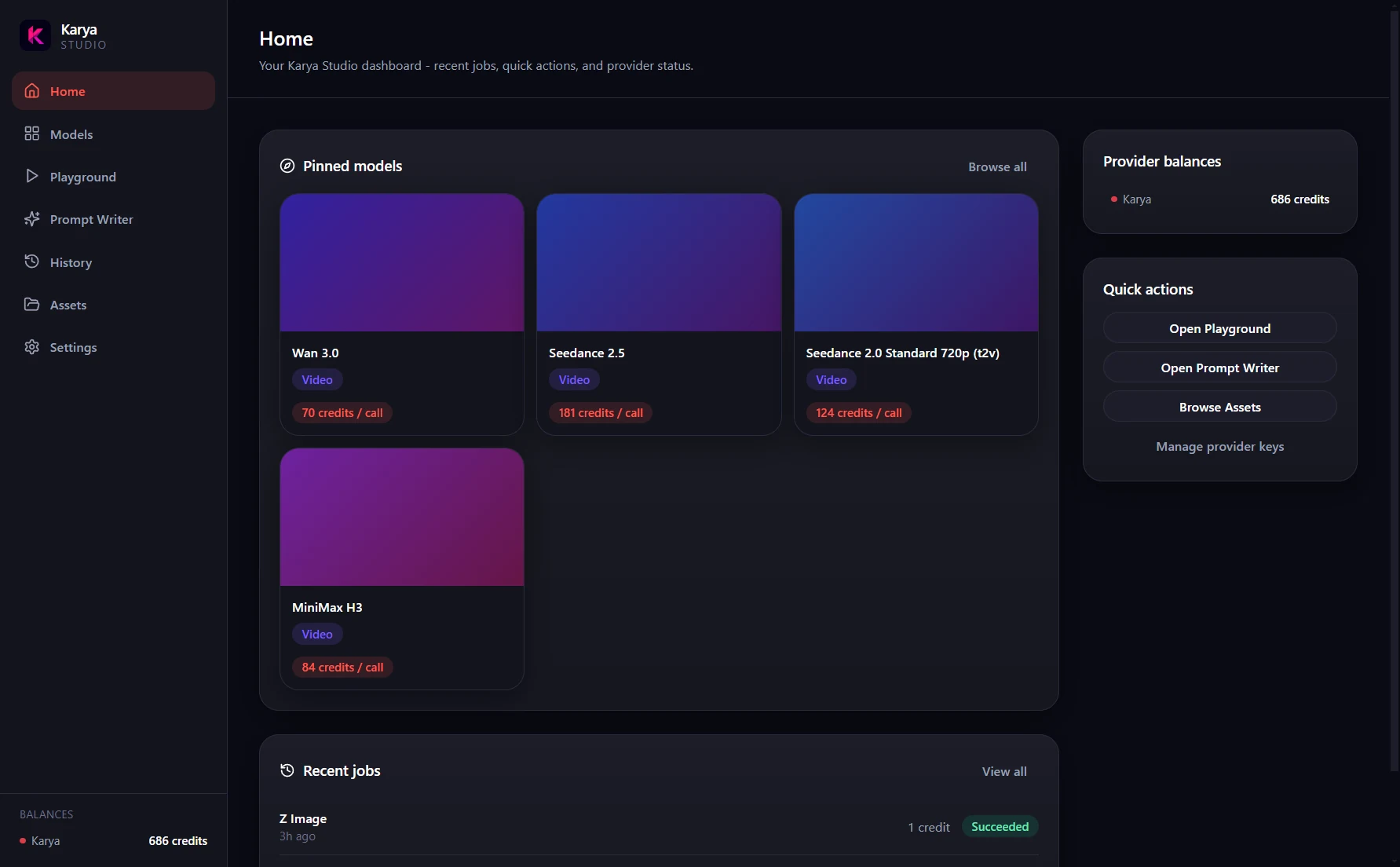
Windows will warn you, and that is expected
This app is not code-signed, so Windows SmartScreen shows a blue “Windows protected your PC” message the first time you run it. Code-signing certificates are a cost we have not taken on yet, and we would rather tell you plainly than have you wonder.
Download only from our official GitHub release so you know what you are running.
One key, one balance
Paste one Karya Studio API key and start working. Every generation is billed from your existing Karya credit balance, with no provider accounts, extra keys, or per-vendor billing.
Files stay local
Finished generations download automatically to your PC. Each file includes a neighbouring .json record with the model, prompt, settings, and cost.
The full catalogue
Browse and run all 65 image and video models. The Home screen highlights a few useful starting points, but nothing is restricted.
Restart-proof jobs
Close the app while a generation is running. Reopen it later and the job resumes, then completes.
Choose your surface
Desktop, web, or MCP
Swipe the table sideways to compare all three →
| Desktop | Web | MCP | |
|---|---|---|---|
| Best for | A focused desktop workspace and a local generation archive. | Working from any browser. | Bringing Karya into an AI-client workflow. |
| Where files land | Automatically in a folder on your PC, with a .json sidecar. | Your browser's download location. | Depends on the client and workflow you use. |
| Setup | Paste one Karya Studio API key. | Use Karya in the browser. | Connect Karya to a compatible client. |
| What you need | Windows 10 or 11, 64-bit, and a Karya account with credits. | A browser and access to Karya. | A compatible MCP client and access to Karya. |
| Offline behaviour | Your saved files remain on your PC. Generations need a connection to Karya. | Requires a connection to use the web app. | Depends on the client. Generation requests need a connection to Karya. |
Pinned on Home
Four models are pinned on Home to make starting easier
Seedance 2.5Text-to-video in up to 1080p, with 4 to 30 second clips and the widest choice of aspect ratios, including 21:9 cinematic and 9:16 vertical.
Seedance 2.0The only model here to reach 4K, for 4 to 15 second text-to-video clips in 16:9, 9:16, 4:3 or 3:4.
Wan 3.0Text-to-video in up to 1080p, with the most flexible duration range of 2 to 30 seconds and an adaptive aspect ratio option.
MiniMax H3Text-to-video in up to 2K, creating 4 to 15 second clips across formats from 21:9 to 9:16.
These are shortcuts, not limits. All 65 image and video models are available in the app.
A closer look
Inside the app
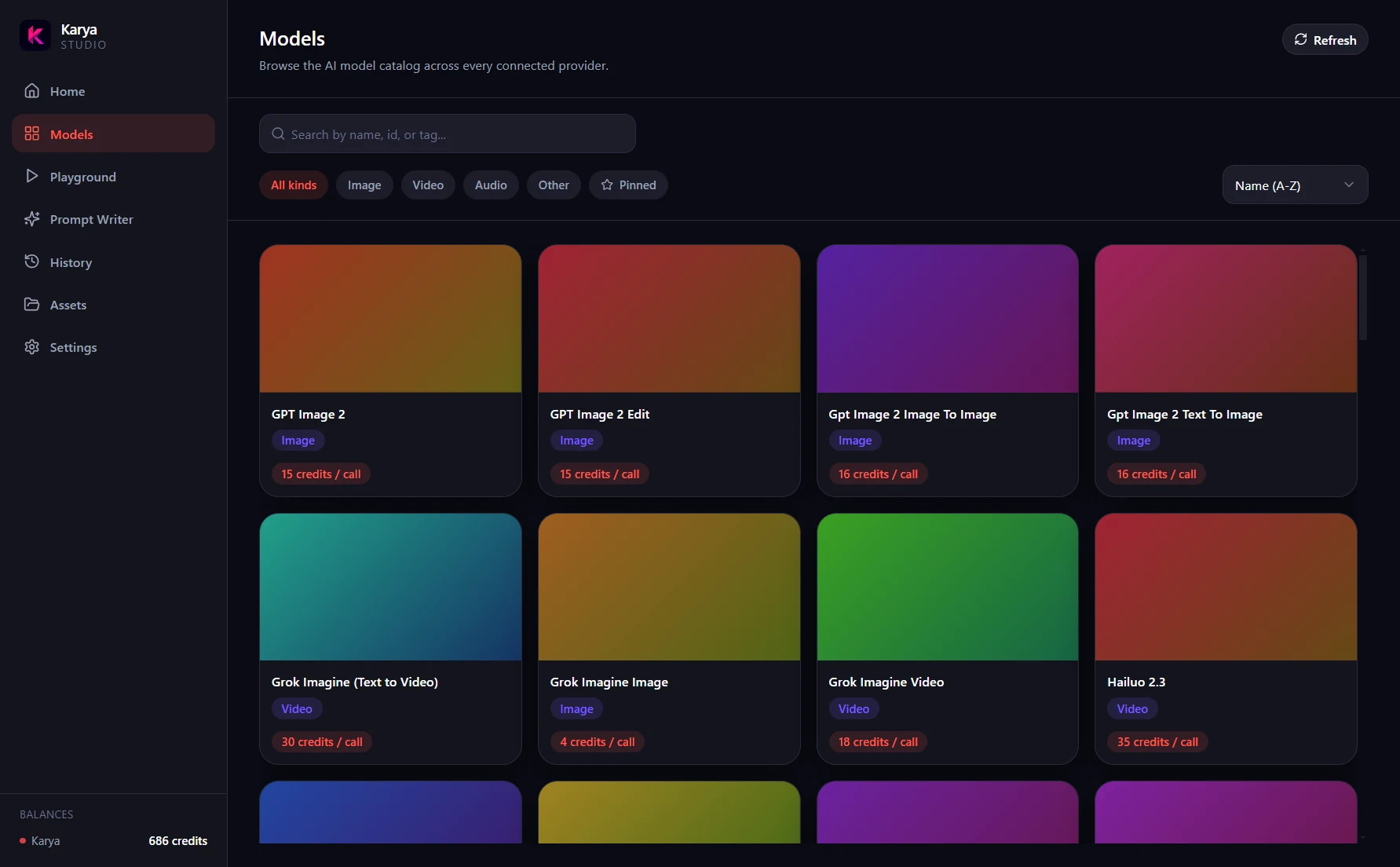
Models
Browse and filter the complete 65-model catalogue.
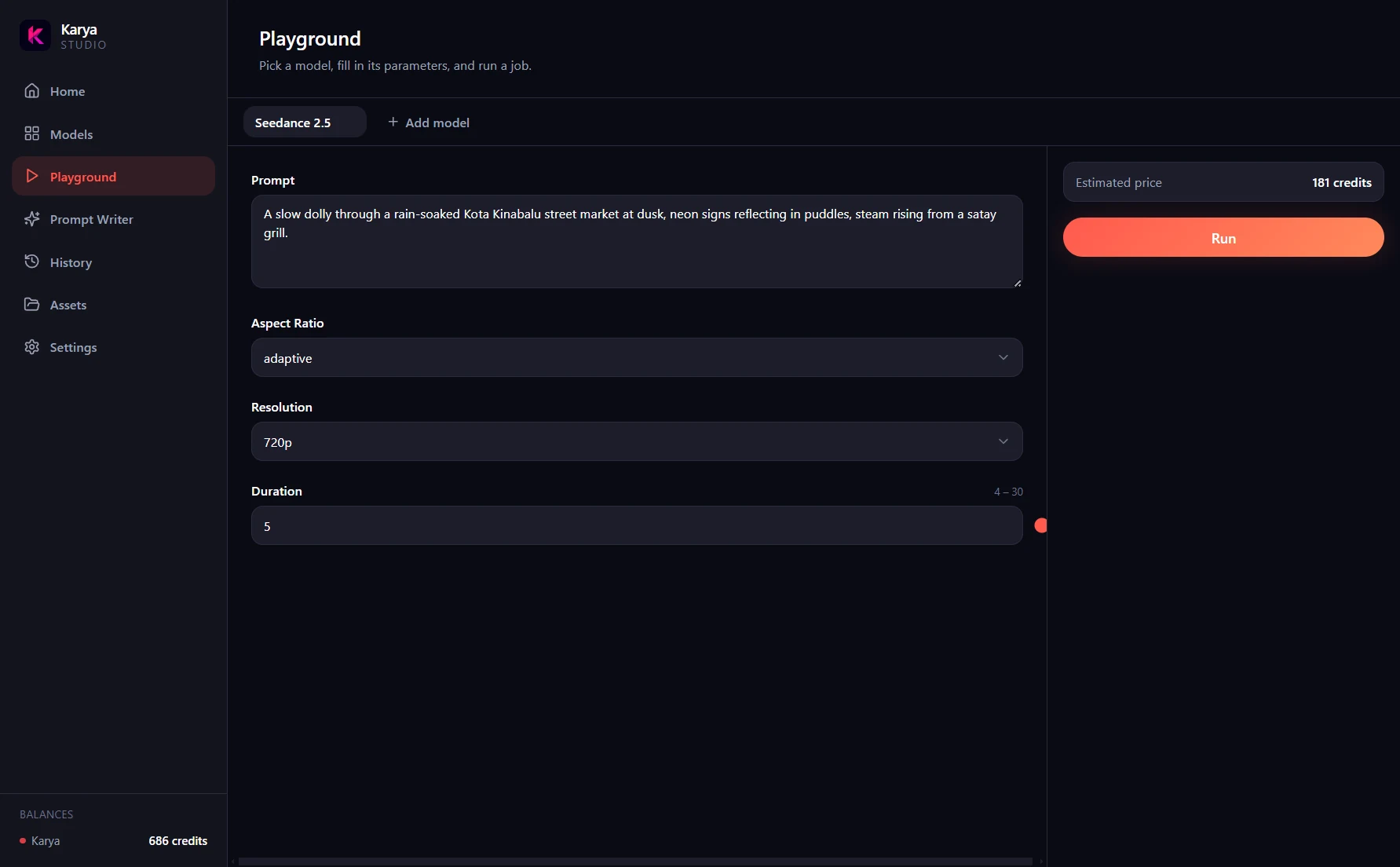
Playground
Open tabbed, per-model forms for prompts and settings.
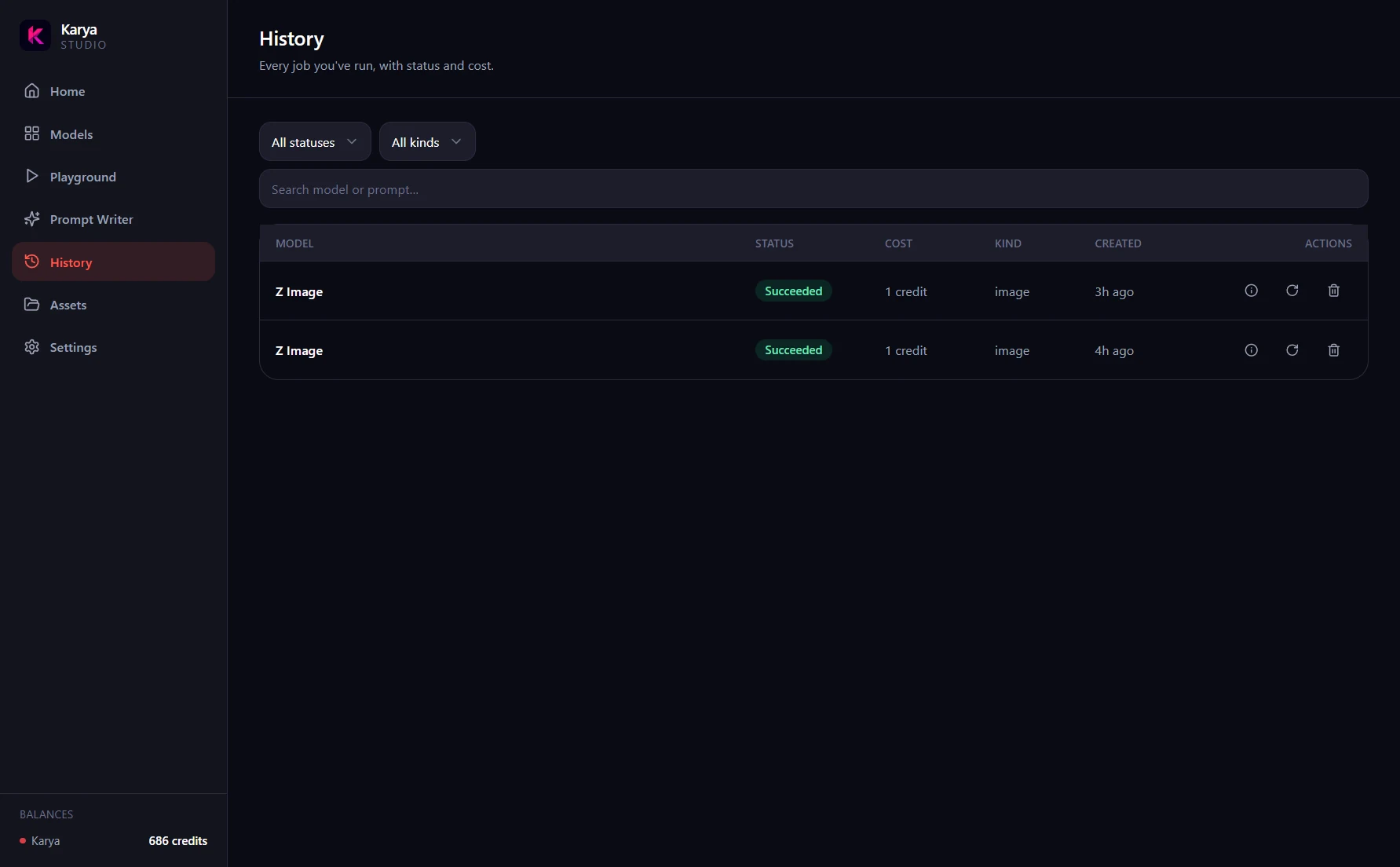
History
See every job with its status and cost. Files are kept for 30 days.
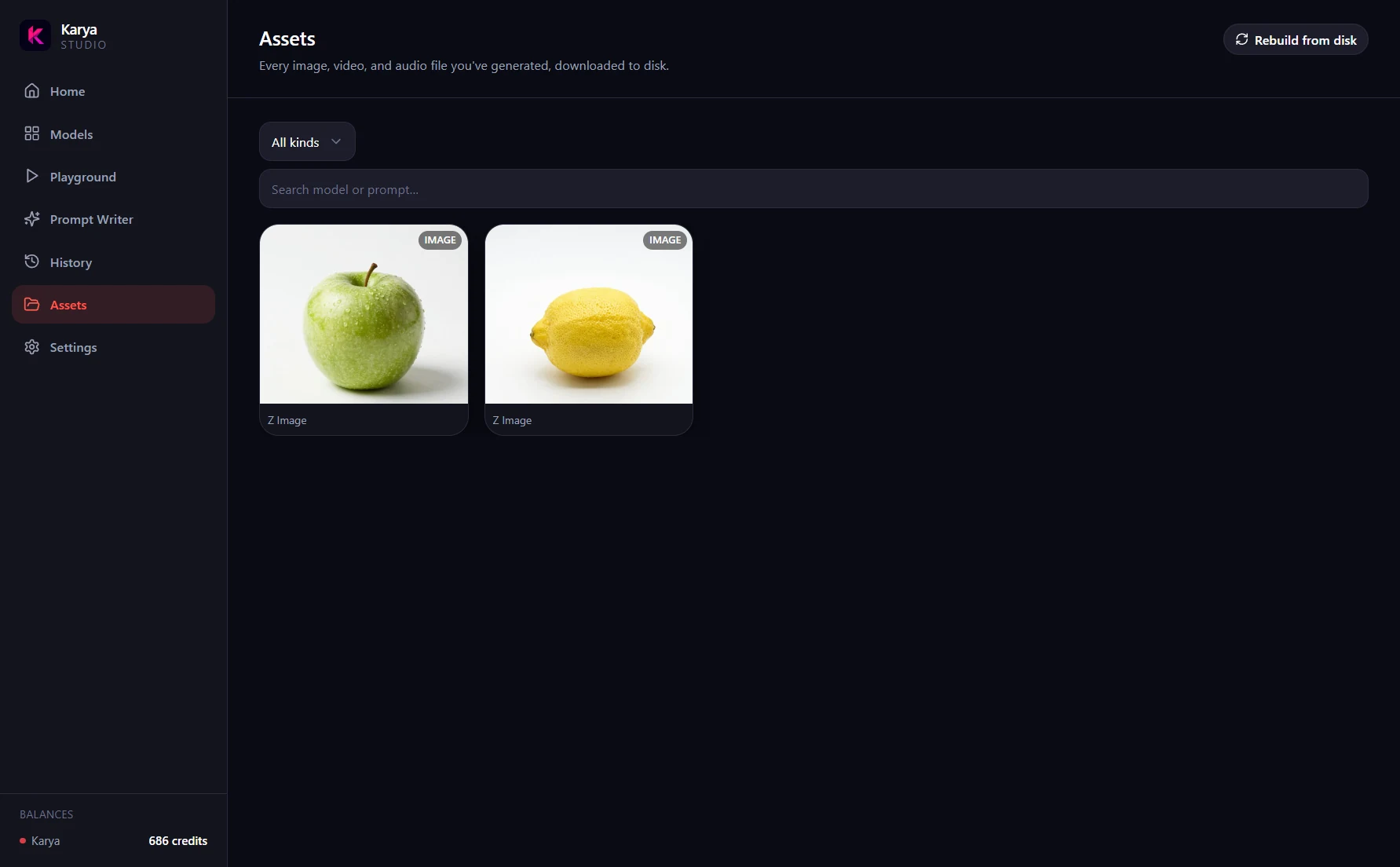
Assets
Browse a gallery of everything you have generated.
System requirements
- Windows 10 or Windows 11, 64-bit
- About 84 MB for the installer, roughly 250 MB installed
- A Karya account with available credits
- An internet connection for generation requests
- No subscription required
.exe, which needs no installationFAQ
Questions, answered
Yes. The app is not code-signed, so Windows will show "Windows protected your PC". Download from the official GitHub release, then click More info, then Run anyway.
The Windows app is free to download and use. New Karya accounts receive 200 free credits, then you subscribe or top up only when you need more - no subscription required.
It is encrypted at rest using Windows DPAPI through Electron safeStorage. It only leaves your machine when communicating with Karya.
Your API key, prompts, and generation settings are sent to Karya when needed to run and track jobs. Finished files download to your own PC.
Yes. Desktop uses the same Karya credit balance as the website. Top-up credits never expire, and no subscription is required.
Yes. If a generation fails, its credits are refunded automatically and returned to your balance.
No. Karya Studio Desktop is currently Windows-only.
Uninstall the app through Windows. Your generated files are stored in your chosen folder on your PC, so uninstalling the app does not remove them.
Keep your Karya work on your own machine
One key, the full catalogue, and files you can keep.