
Model Releases
OmniHuman 2.0 Is Live in Karya: Talking Avatars From One Photo and a Voice Track
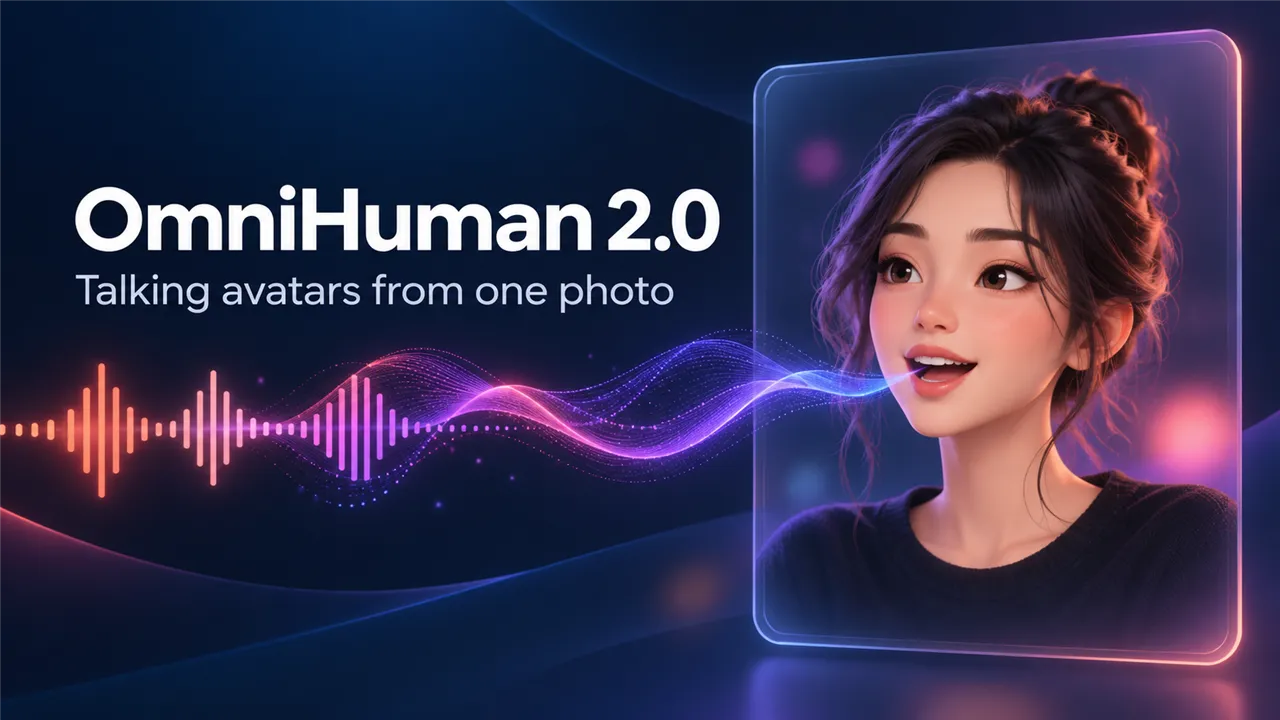
OmniHuman 2.0 is now live in Karya Studio. It is a talking-avatar model from ByteDance: you supply one photo of a person and one voice track, and it makes a video of that person speaking the words, with natural facial expression and body gestures that follow the rhythm of the voice.
You will find it in the Lip Sync tab, alongside InfiniTalk and Kling Avatar. It outputs 720p video, and the clip is as long as your audio, from 4 seconds up to 5 minutes.
What it does well
- Lip sync that follows the voice, including expression on the face, not just the mouth.
- Body gestures that move with the speech, so the presenter does not freeze from the neck down.
- Long takes: one clip can run up to 5 minutes, which suits explainers, lessons and product walk-throughs.
- An optional prompt of up to 300 characters to steer the scene, the motion and the camera.
How to use it in Karya
Open the Lip Sync tab and choose OmniHuman 2.0. Upload your photo, then upload your voice track or record one. Add a short prompt if you want to steer the scene, and generate. Karya shows the credit estimate on the button before you commit, and the finished video appears in your History.
- Photo: a clear, front-facing picture of one person, JPG, PNG or WEBP, under 30 MB.
- Voice track: MP3 or WAV only, 4 seconds to 5 minutes, under 15 MB. If your recording is an M4A or AAC file, convert it to MP3 or WAV first.
- Prompt (optional): the setting, the way the person moves, the camera. Keep it under 300 characters.
Prompting tips
- Pick a photo with the face clearly visible and well lit. A sharp, front-facing portrait gives the most stable result.
- Describe the delivery, not the words. The audio already carries the words; use the prompt for "warm, friendly tone, slight nod, camera slowly pushes in".
- Match the energy of the voice. A calm voice track with an energetic prompt can feel at odds, so keep them in the same mood.
- Test with a 10 to 15 second excerpt first. When the look is right, run the full track.
What it costs in credits
OmniHuman 2.0 costs about 12 credits for every second of audio, at 720p. That is about 123 credits for 10 seconds, about 368 credits for 30 seconds, about 735 credits for a minute and about 3,675 credits for the full 5 minutes.
Because the video length is decided by your audio and there is no length setting, the estimate on the button is for a short clip. When the video finishes, Karya adjusts the charge to the real length, so a long clip costs more than the first number you saw. Plan a long track by multiplying its seconds by 12. Credits never expire and a failed generation is refunded.
What to try first
Take a portrait of yourself or your brand mascot, record a 15 second introduction as an MP3 on your phone or in any audio app, and run it. If you like the result, extend the same photo to a 60 second product explainer.
Try it in Karya
Generate images and videos with frontier AI models from one canvas. Subscribe from $19/mo, or top up from $5 - 200 bonus credits with your first purchase, and top-up credits never expire.
Start free