
Model Releases
GPT Image 2 on Karya: What It Does and How to Use It
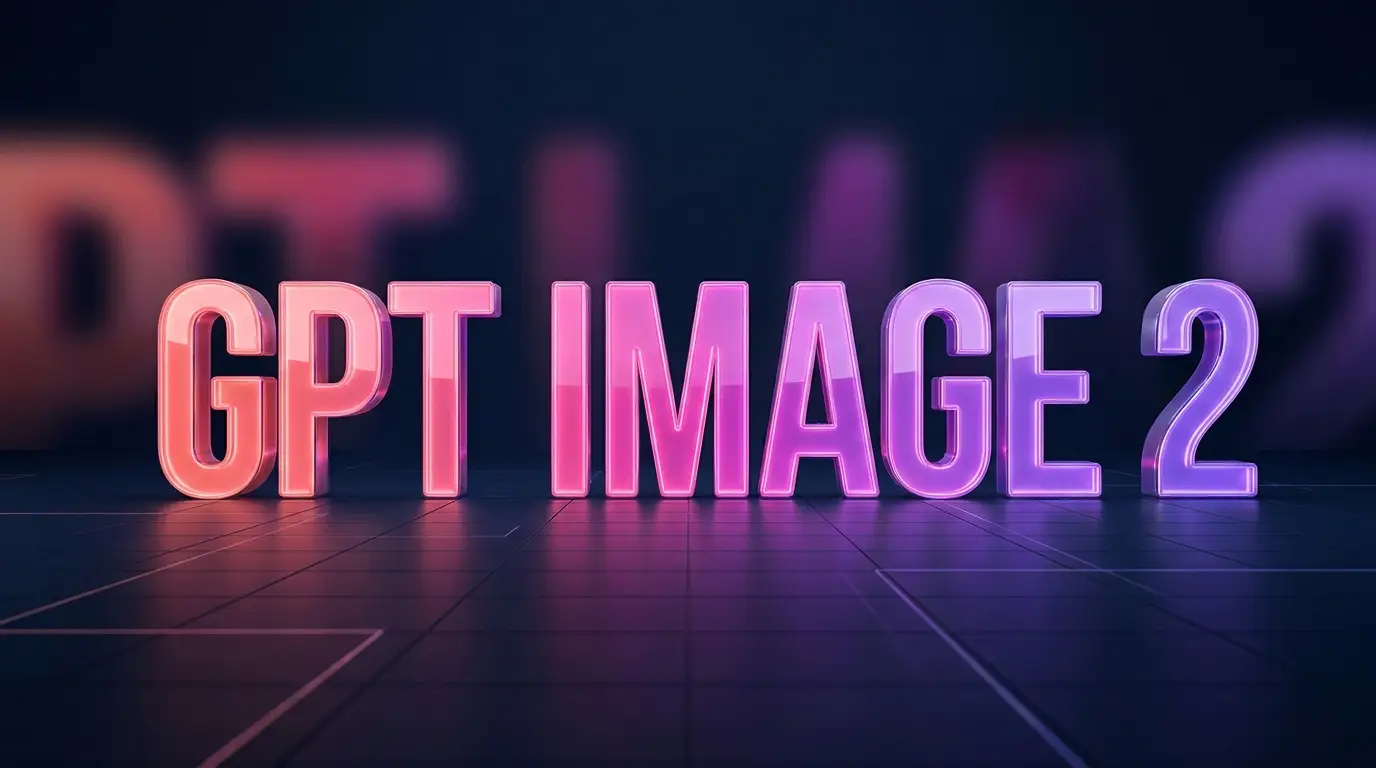
GPT Image 2 is a frontier text-to-image model known for strong prompt adherence, clean edits, and - unusually - readable text inside images. That combination makes it a great default for marketing visuals, posters, product mockups and thumbnails, where getting the words right normally means opening a design tool afterward.
What it is good at
- Following detailed prompts closely instead of drifting off-brief.
- Rendering legible text and typography inside the image.
- Editing an existing image while keeping the parts you like.
- Clean, commercial-looking compositions with minimal artifacts.
How to get good results
Be specific about layout, subject, mood and any text you want. If you need words in the image, put them in quotes in your prompt. For edits, upload a reference image and describe only what should change.
Iterate in small steps: generate, keep what works, and refine the prompt rather than rewriting it from scratch.
Using GPT Image 2 in Karya
Open the Image Studio, pick GPT Image 2, and describe your scene. Karya shows the credit cost before you generate, and your credits never expire, so there is no monthly pressure to "use it or lose it." Your first credit purchase comes with 200 bonus credits.
Try it in Karya
Generate images and videos with frontier AI models from one canvas. Subscribe from $19/mo, or top up from $5 - 200 bonus credits with your first purchase, and top-up credits never expire.
Start free