
Model Releases
Wan 3.0, MiniMax H3 and Seedance 2.5: Every Mode Is Now Open
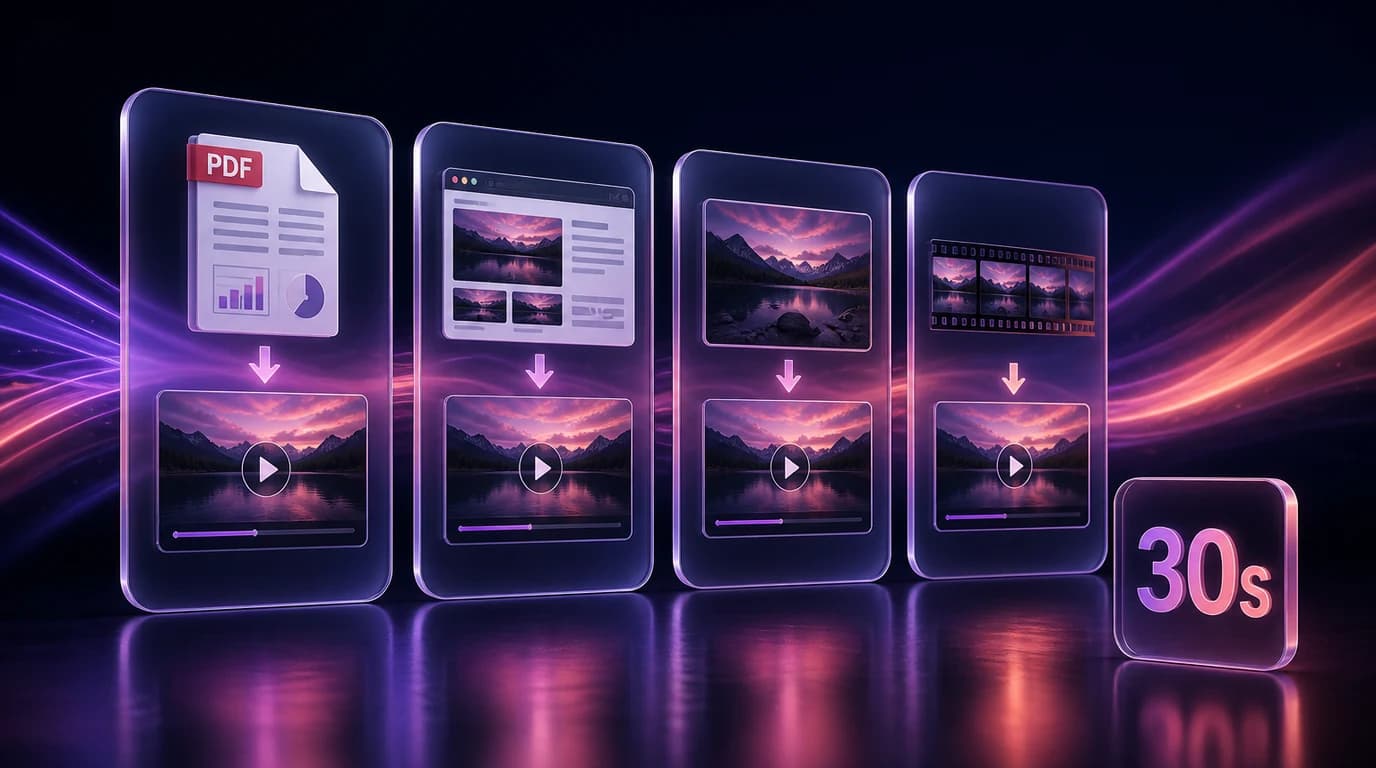
Wan 3.0, MiniMax H3 and Seedance 2.5 have all been in Karya for a while, but only partly. Each one ships several modes upstream, and Karya was exposing one or two of them. This release opens the rest - nine new modes across the three models, plus resolution and duration controls that were missing.
MiniMax H3 now costs less than half
H3 offers two resolution tiers: 768p and 2K. Karya was never sending a choice, so the model applied its own default - 2K, the expensive one - on every single generation. There was no way to ask for the cheaper tier.
Resolution is now a real control in both the Video Studio and Flow, and it defaults to 768p. A standard 6-second clip drops from about 192 credits to roughly 84. If you want 2K you can still pick it, at about 23 credits per second - it is opt-in now rather than something you land on without knowing.
H3's image-to-video mode also became reachable. It was wired everywhere except the model picker, so switching H3 from text to image quietly landed you on the reference model instead. Plain first-frame animation now works, and so does first-and-last-frame, where you supply a start image and an end image and the model interpolates between them.
Wan 3.0: five more modes and a Prime tier
- Image to Video - animate a single still, optionally with an end frame for interpolation.
- Reference - up to 10 reference images, 5 video clips and 5 audio clips in one generation, for locking a character, a style or a motion.
- Document to Video - hand it a PDF, Word file, slide deck, spreadsheet or text file (up to 50 pages) and it builds the video from the content.
- Link to Video - the same thing from a public webpage URL.
- Wan 3.0 Prime - a higher-quality tier of every mode, at roughly 1.6x the cost.
Document to Video and Link to Video live in Karya Flow rather than the Video Studio, because they need a document upload or a URL field that the Studio does not have. Drop the node onto a canvas, point it at your file or link, and chain it into whatever comes next.
Seedance 2.5: reference mode and video editing
Seedance 2.5 gains an explicit Reference mode - up to 30 images, 10 video clips and 10 audio clips, which is the widest reference set of any model in Karya - and a Video Edit mode, where you supply an existing clip and describe the change you want.
Its reference limits were also being cut short. Karya was applying the previous generation's caps of 9 images, 3 videos and 3 audio clips, so anything past that was silently dropped before it reached the model. The full 30 / 10 / 10 now goes through.
Longer clips
Both Wan 3.0 and Seedance 2.5 were capped at 15 seconds in Karya. That was our limit, not theirs. Wan 3.0 runs 2 to 30 seconds and Seedance 2.5 runs 4 to 30 seconds, and both now go the full distance. For a video edit, Seedance can also match the length of your input clip automatically.
End-frame control actually works now
The Video Studio has had an end-frame upload for a long time, and on these models it was being discarded before it reached the model - so first-and-last-frame interpolation silently degraded into plain first-frame animation. It is wired end to end now on MiniMax H3, Wan 3.0 (both tiers) and Seedance 2.5.
Where to find it
Open the Video Studio and the new modes appear in the model picker under their family names - MiniMax H3 (Image), Wan 3.0 (Reference), Seedance 2.5 (Video Edit), and so on. In Karya Flow, every mode has its own node under the Video section, including the two Wan 3.0 document and link nodes. As always, Karya shows the exact credit cost before you generate, you only pay for generations that complete, and credits never expire.
Try it in Karya
Generate images and videos with frontier AI models from one canvas. Subscribe from $19/mo, or top up from $5 - 200 bonus credits with your first purchase, and top-up credits never expire.
Start free