
Model Releases
Karya Catalog Refresh: Seedance 2.5, Kling 3.0 Omni, Wan 3.0 and 18 More Models Now Live
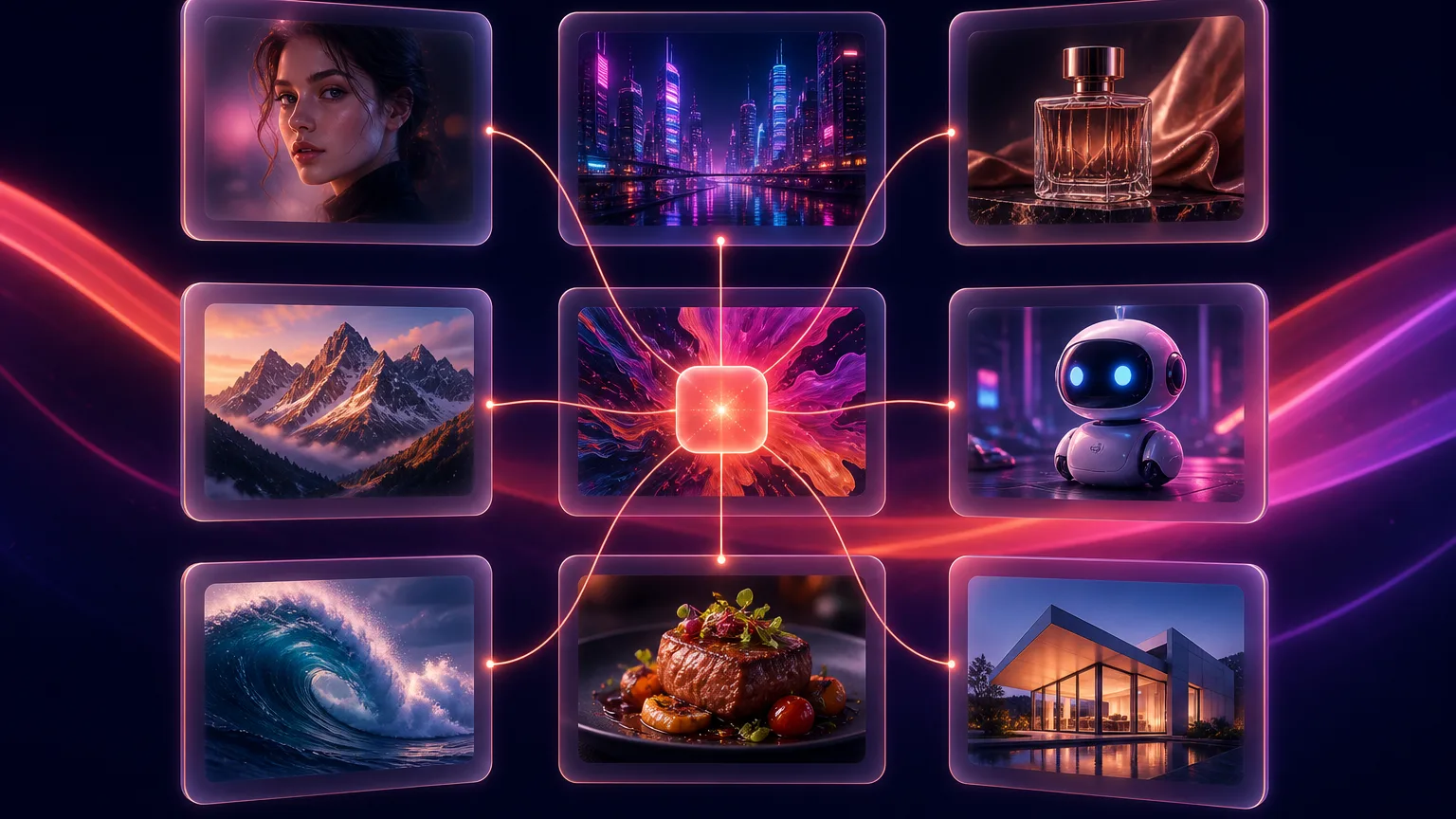
This is the largest single expansion Karya has shipped: 21 new models went live today across the Image Studio, Video Studio, Lip Sync tab and Flow. Every one of them was verified with a real end-to-end generation before being switched on - if it is in the picker, it works, and the credit pill shows the real cost of your selected resolution and duration before you generate.
The video headliners
- Seedance 2.5 - the long-take generation of Seedance, in the Video Studio and Flow for text-to-video and image-to-video. It accepts up to 9 reference images plus video and audio reference clips, and renders up to 15 seconds at 480p, 720p or 1080p.
- Kling 3.0 Omni - Kling's newest flagship, in three modes: text-to-video, image-to-video and reference-to-video, with up to 4 reference images anchoring character and product identity, audio generated in the same pass, and clips up to 15 seconds at 720p or 1080p.
- Wan 3.0 - the document-to-video model we covered in beta is now generating in Karya: text-to-video with synchronized audio at up to 1080p. Wan 2.6 image-to-video ships alongside it for animating a still frame.
- PixVerse V6 - a fast, stylized generator popular for social clips, in both text-to-video and image-to-video with audio, at 720p or 1080p.
- Grok Imagine (text-to-video) - xAI's video model, quick and inexpensive at 480p with a 720p tier.
- Hailuo 2.3 Pro - MiniMax's high-fidelity image-to-video tier at 768p or 1080p, strong on human motion.
- HappyHorse 1.1 - text-to-video and image-to-video with a native 1080p default.
New image models
- Qwen 3 Pro and Qwen 3 Pro Edit - Alibaba's newest image family, with generation up to 2K and an edit mode that takes up to 3 reference images.
- Seedream 4.5 and Seedream 4.5 Edit - the next step of the Seedream line, with a basic/high quality switch and an edit mode accepting up to 10 reference images.
Audio, lip sync and utilities
- ElevenLabs Multilingual v2 - text-to-speech tuned for non-English languages, including Malay - in Flow's audio nodes alongside the existing turbo voice.
- Volcengine Lip Sync - re-sync an existing VIDEO clip to new audio. This restores the Lip Sync tab's video mode: portrait-photo lip sync was already live, and now a finished clip can be redubbed too.
- Topaz Video Upscale - upscale a finished video 2x or 4x for delivery.
- Recraft Crisp Upscale - a fast, inexpensive image upscaler for sharpening generations before print or ad use.
Where to find them
Video models appear in the Video Studio's model picker under their mode (text-to-video or image-to-video) and as nodes in Flow's Video section. The image models are in the Image Studio's Create and Edit pickers and Flow's Image section. Volcengine Lip Sync lives in the Lip Sync tab's video mode, and the upscalers and TTS are in Flow. As always, the catalog page and each picker only show models that are actually live - nothing on the list is a placeholder.
Try them on the entry pack
Every model shows its credit cost up front, credits never expire, and the $5 entry pack is enough to run several of the new image models and a short clip on the video ones. If you already have credits, the new models are simply there in the pickers - no plan change, no unlock.
Try it in Karya
Generate images and videos with frontier AI models from one canvas. Subscribe from $19/mo, or top up from $5 - 200 bonus credits with your first purchase, and top-up credits never expire.
Start free