
Model Releases
Kling Image 4.0 Is Now in Karya: 2K, 4K and 8K Images with Up to 10 References
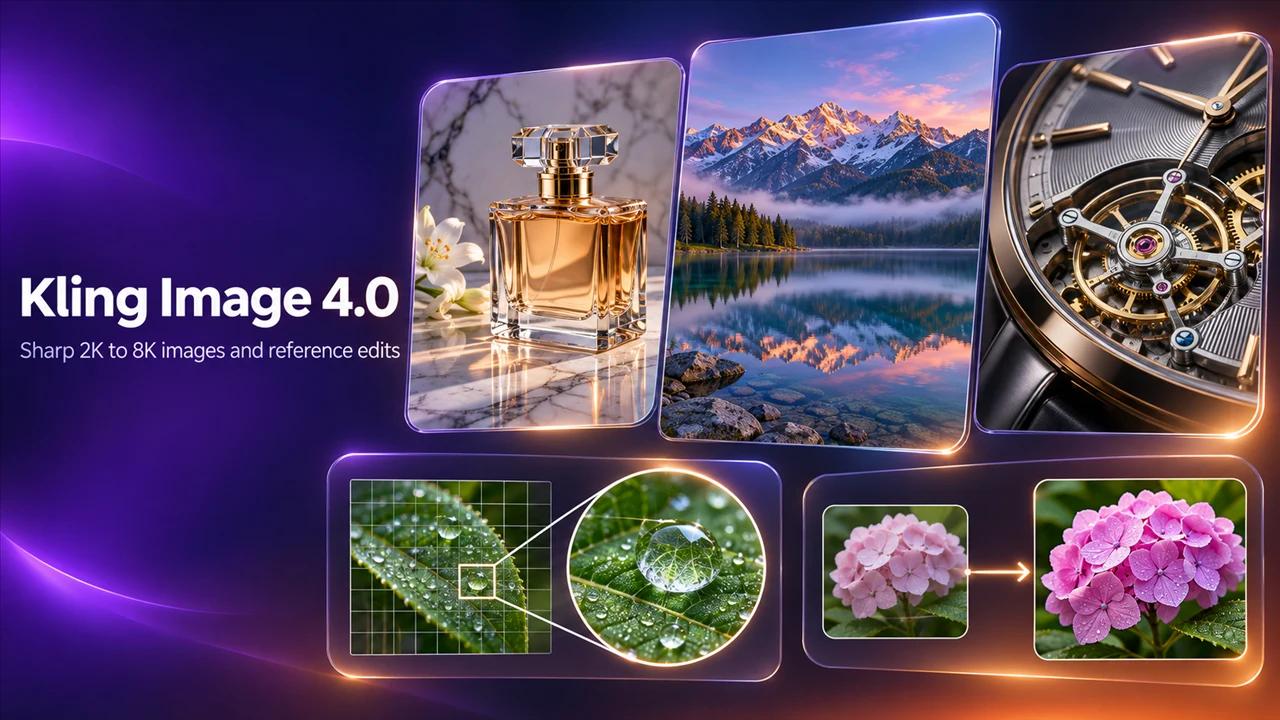
Kling Image 4.0 is now in Karya. It makes images at 2K, 4K or 8K from a text prompt, and it can work from up to 10 reference images. For product shots, posters and ad visuals, that means one prompt can carry your real product, your brand style and the scene together.
Who it is for
Business owners who need a clean product shot, a poster or a banner without booking a studio. Creators who build a look from several reference pictures. Anyone who needs a big file for print.
What Kling Image 4.0 does
Karya offers it as two models, so you pick the one that matches the job.
- Kling Image 4.0: text-to-image from a plain-language prompt.
- Kling Image 4.0 Edit: change or combine your own images, with up to 10 references.
- Output at 2K, 4K or 8K.
- Text inside the image, such as a headline on a poster, is part of what the model is built for. Check the spelling on every result.
When to pick it
Pick Kling Image 4.0 when the result needs to be large, or when you have several reference pictures to fold into one image. For a fast, small draft, start at 2K and move up only when the composition is right. If you already use Seedream 5.5, run the same prompt on Kling Image 4.0 and compare the result and the credit cost side by side.
Related reading
How to use it in Karya
Open Image Studio and choose Kling Image 4.0.
- Write your prompt and pick an aspect ratio.
- Choose 2K, 4K or 8K.
- Check the credit cost on the button, then generate.
- To work from your own pictures, switch to Kling Image 4.0 Edit, add up to 10 references and describe the change.
Pricing
Karya shows the exact credit cost before you generate, and top-up credits never expire.
- Kling Image 4.0 at 2K: 10 credits per image.
- Kling Image 4.0 at 4K: 15 credits per image.
- Kling Image 4.0 at 8K: 25 credits per image.
- Kling Image 4.0 Edit at 2K: 10 credits per image.
- Kling Image 4.0 Edit at 4K: 15 credits per image.
- Kling Image 4.0 Edit at 8K: 25 credits per image.
What to try first
Upload a photo of your product and one photo of a scene you like. Ask Kling Image 4.0 Edit to place the product in that scene at 2K. When it looks right, run it again at 4K for the final.
Try it in Karya
Generate images and videos with frontier AI models from one canvas. Subscribe from $19/mo, or top up from $5 - 200 bonus credits with your first purchase, and top-up credits never expire.
Start free