
Model Releases
MiniMax H3 Image Is Now in Karya: Low-Cost Images and Edits with Up to 16 References
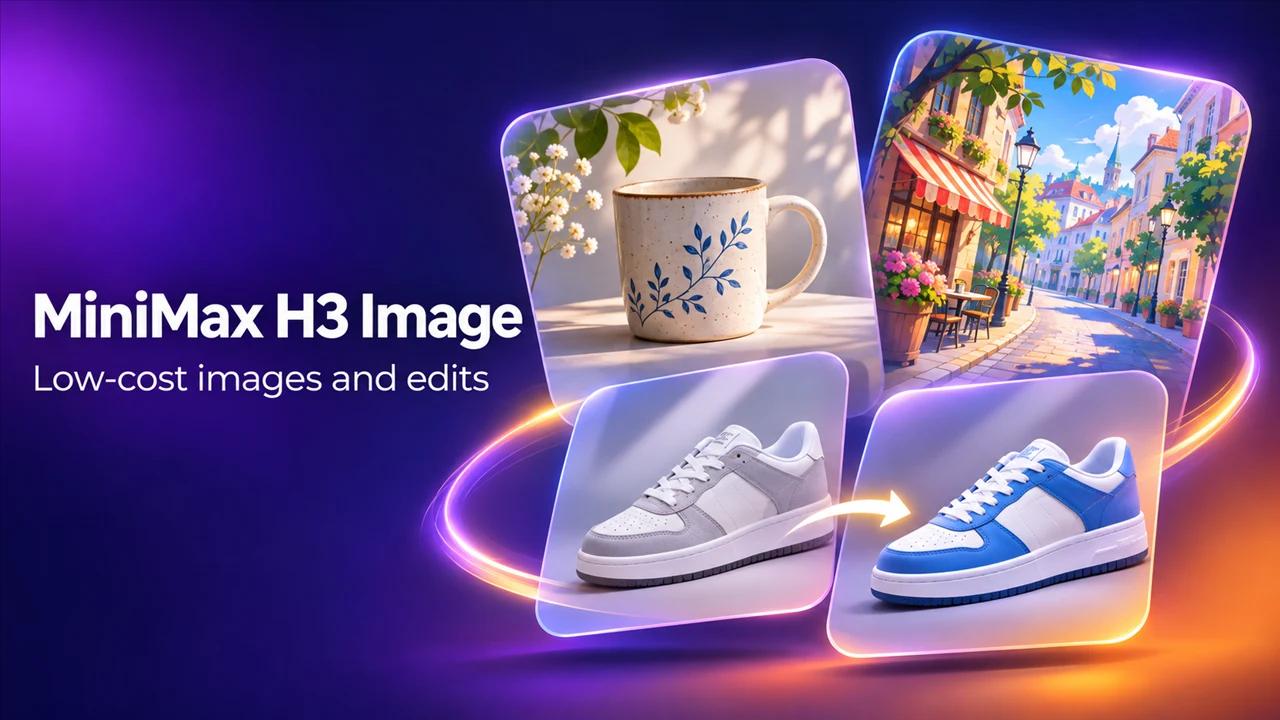
MiniMax H3 Image is heading to Karya as the low-cost option for images. It makes text-to-image at 1K, 2K or 4K, and its Edit model takes up to 16 reference images in one go.
Who it is for
Business owners who need many images and do not want to spend much on each one: menu visuals, product variations, social posts. It also suits anyone testing ideas, because cheap drafts let you try more prompts.
What MiniMax H3 Image does
- MiniMax H3 Image: text-to-image at 1K, 2K or 4K.
- MiniMax H3 Image Edit: change or combine your own pictures, with up to 16 references.
- It renders English and Chinese text inside the image, which helps for posters and simple infographics. Check the spelling on every result.
- Several aspect ratios, from square and portrait to 16:9 and 21:9.
When to pick it
Pick MiniMax H3 Image for volume and drafts, and when you have a lot of references to combine. If you want a very large output, compare with Kling Image 4.0 or Seedream 5.5 on the same prompt. The MiniMax H3 video model is already in Karya, so you can carry an image from here straight into a clip.
Related reading
How to use it in Karya
Open Image Studio and choose MiniMax H3 Image.
- Write your prompt and pick an aspect ratio.
- Choose 1K, 2K or 4K.
- Check the credit cost on the button, then generate.
- To edit, switch to MiniMax H3 Image Edit, upload your pictures in order and describe the change using their numbers.
Pricing
Karya shows the exact credit cost before you generate, and top-up credits never expire.
- MiniMax H3 Image at 1K: 2 credits per image.
- MiniMax H3 Image at 2K: 2 credits per image.
- MiniMax H3 Image at 4K: 5 credits per image.
- MiniMax H3 Image Edit at 1K: 2 credits per image.
- MiniMax H3 Image Edit at 2K: 2 credits per image.
- MiniMax H3 Image Edit at 4K: 5 credits per image.
What to try first
Write one prompt for a product shot and generate it at 1K. If the idea works, regenerate at 2K for posting. Then upload two or three photos of the same product and ask the Edit model for a new background.
Try it in Karya
Generate images and videos with frontier AI models from one canvas. Subscribe from $19/mo, or top up from $5 - 200 bonus credits with your first purchase, and top-up credits never expire.
Start free