
Model Releases
Image Upscale Up to 8x Is Now in Karya: Make Small Pictures Big
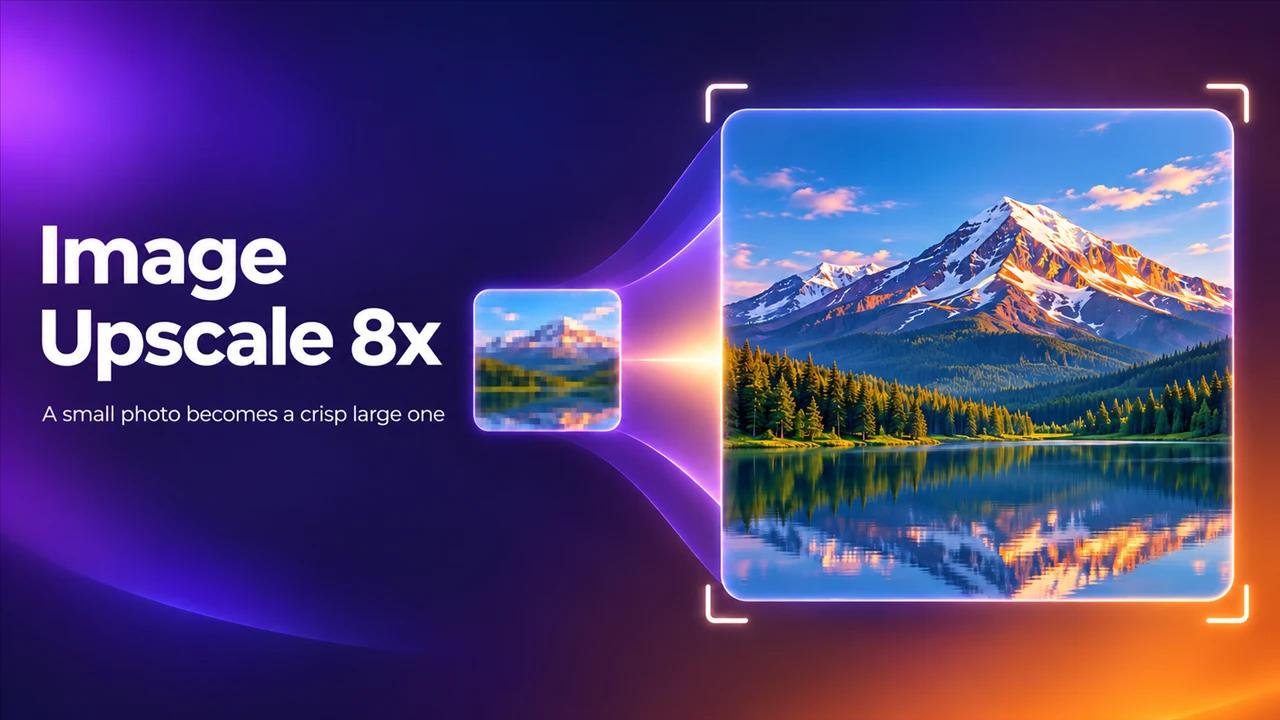
Karya now has an image upscaler. Pick 1x, 2x, 4x or 8x and get a larger version of any picture. It works on photos you took and on images you generated in Karya.
Who it is for
Business owners with a small logo or product photo that will not print well. Creators who generated a good image at a small size and now need it on a banner. Anyone who gets a blurry file from a supplier.
What it does
- Upscale by 1x, 2x, 4x or 8x.
- Results up to about 67 megapixels.
- Works on any picture, whether it came from Karya or from your phone.
When to pick it
Generate at the small size first, because it is cheaper, and upscale only the picture you will actually use. That is usually the better deal than generating everything at the largest size.
How to use it in Karya
- Open Image Studio and choose Image Upscale 8x.
- Upload your picture or pick one from your history.
- Choose 2x, 4x or 8x.
- Check the credit cost shown for the result size, then start.
Related reading
Pricing
The price depends on the size of the output. Karya shows the exact cost before you generate, and top-up credits never expire. For a picture of about 1 megapixel:
- 2x: 1 credits.
- 4x: 4 credits.
- 8x: 11 credits.
What to try first
Take your logo or best product photo and upscale it 2x. If it holds up, try 4x and compare the edges and the text.
Try it in Karya
Generate images and videos with frontier AI models from one canvas. Subscribe from $19/mo, or top up from $5 - 200 bonus credits with your first purchase, and top-up credits never expire.
Start free