
Use Cases
How to Make UGC Ads with AI (Step by Step)
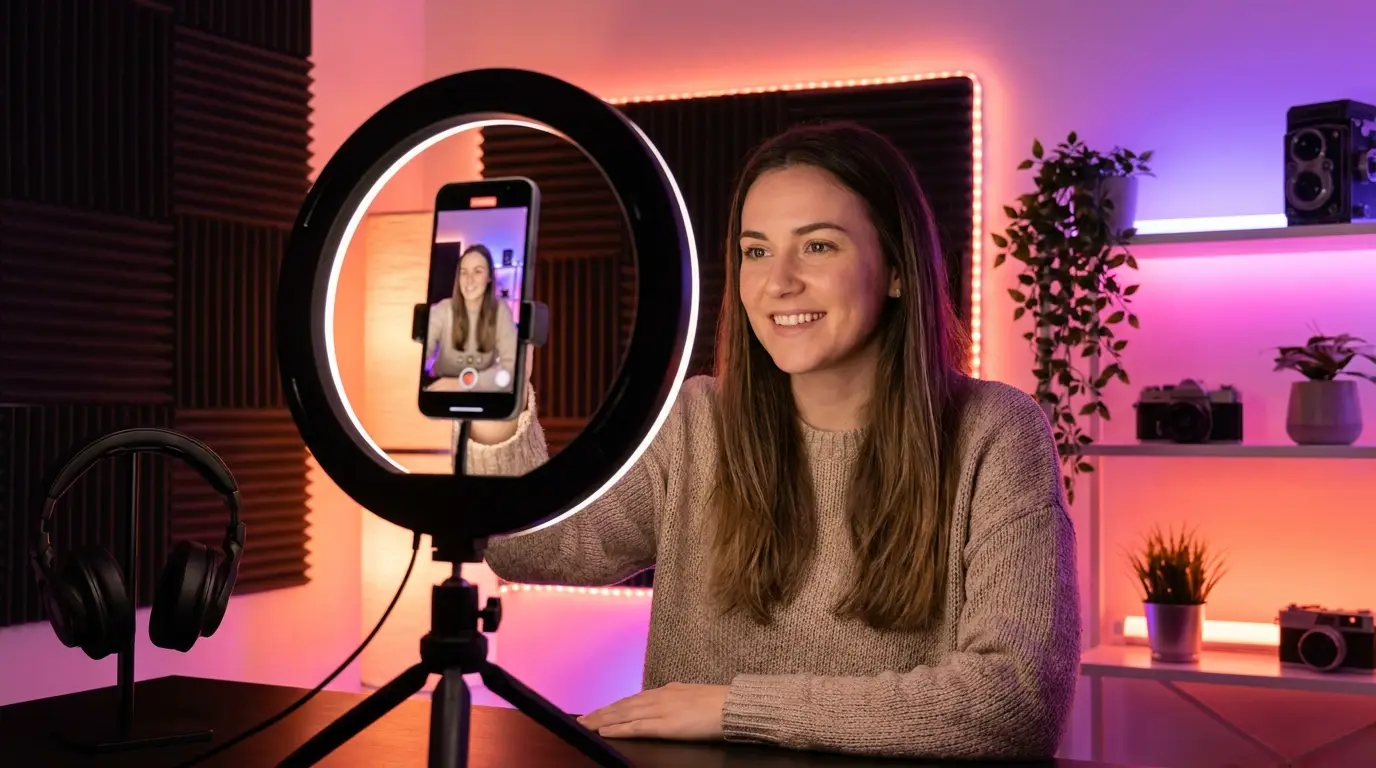
How to make UGC ads with AI: upload your product photo, pick an AI presenter and a UGC template, then generate a vertical clip of that presenter talking to camera and holding your product. In Karya this happens in Marketing Studio, with the credit price shown first. No creator, camera or studio needed.
What you need before you start
- One clear product photo, on a plain background if you can.
- A short script, written in the five beats below.
- Credits. The price is shown on the Generate button before you spend anything.
How to make UGC ads with AI in Marketing Studio
Open Marketing Studio and work through these steps:
- Step 1 - Pick a template. In the gallery, open the UGC tab and choose a talking format such as Selfie Testimonial, Direct-to-Camera, This Gadget Saved Me or Tutorial. Clicking one fills the prompt box with a full script you can edit.
- Step 2 - Add your product. Click the Product button and upload your photo. The plus button beside the prompt adds up to 6 extra reference images, such as a second angle or the packaging.
- Step 3 - Choose the presenter. Click the Avatar button to open Select Avatar and pick from the roster, or use Create avatar to upload your own face. If you skip this, the template picks a fitting avatar for you.
- Step 4 - Add a hook and a setting (optional). The Hook button offers openers such as Interview or Product Hit. The Setting button sets the backdrop, from a kitchen or an office to a car seat.
- Step 5 - Set model, ratio and length. Seedance 2.0 is the default model, 9:16 is the default ratio, and you can switch resolution between 480p, 720p and 1080p. Seedance 2.0 clips run 3 to 12 seconds.
- Step 6 - Check the price and generate. Karya keeps audio on by default for Seedance clips, so put the line you want spoken in the prompt, in quotes.
A simple UGC script: hook, problem, product, proof, call to action
Real UGC sounds like one person telling a friend something useful. Write one short line per beat and read it aloud. If it sounds like an advert, rewrite it.
- Hook - the first line names the viewer or the problem, for example "If your skin feels dry by afternoon, watch this."
- Problem - one plain sentence about the annoyance.
- Product - show it in hand and say what it does, not what it is.
- Proof - one result, demo or before-and-after you can honestly show.
- Call to action - one next step, such as "link below" or "start with the small size".
In Marketing Studio a Seedance 2.0 clip tops out at 12 seconds, so make the hook and problem one clip and the product, proof and call to action a second clip, then join them in any editor. Seedance 2.5 and Wan 3.0 run up to 30 seconds if you want a single take.
How much does an AI UGC ad cost?
Every generation shows its credit price first. A 5-second Seedance 2.0 clip at 720p costs 124 credits in the Video Studio, and Marketing Studio adds about 15 percent for its templates and presenters. Seedance 2.0 Mini is the budget option at 62 credits for the same 5 seconds, so test your script there before the final render.
Other ways to make a UGC ad in Karya
- Karya Director - choose a style from the UGC & Ad Formats pack (26 formats), upload 1-8 product photos, optionally paste a TikTok, Instagram or YouTube link as a reference, approve one storyboard, and Director generates, voices and captions the video in English, Chinese or Bahasa Melayu.
- A talking photo - in the Lip Sync tab, OmniHuman 2.0 turns one photo and an MP3 or WAV voice track into a 720p presenter video at about 12 credits per second. Generate the photo first in Image Studio, with your product photo as a reference, so the product is already in hand.
- Karya Clone - take an ad that works and swap the presenter, location or product to get up to 6 variants.
Tips for UGC that looks real
- Keep each shot short and generate several takes. Pick the one that feels least staged.
- Match the setting to the product: a kitchen for food, a bathroom for skincare, a gym for supplements.
- Test variations. Change the hook, setting and presenter so each version reads as a different ad.
- Check the current rules of each platform on labelling AI-generated content before you run paid ads.
Want the product to be the star instead?
To let the product carry the ad with no presenter, use Product Motion templates or image-to-video, covered in the product video guide.
Try it in Karya
Generate images and videos with frontier AI models from one canvas. Subscribe from $19/mo, or top up from $5 - 200 bonus credits with your first purchase, and top-up credits never expire.
Start free