
Use Cases
How to Make a Product Ad Video with AI (No Camera Needed)
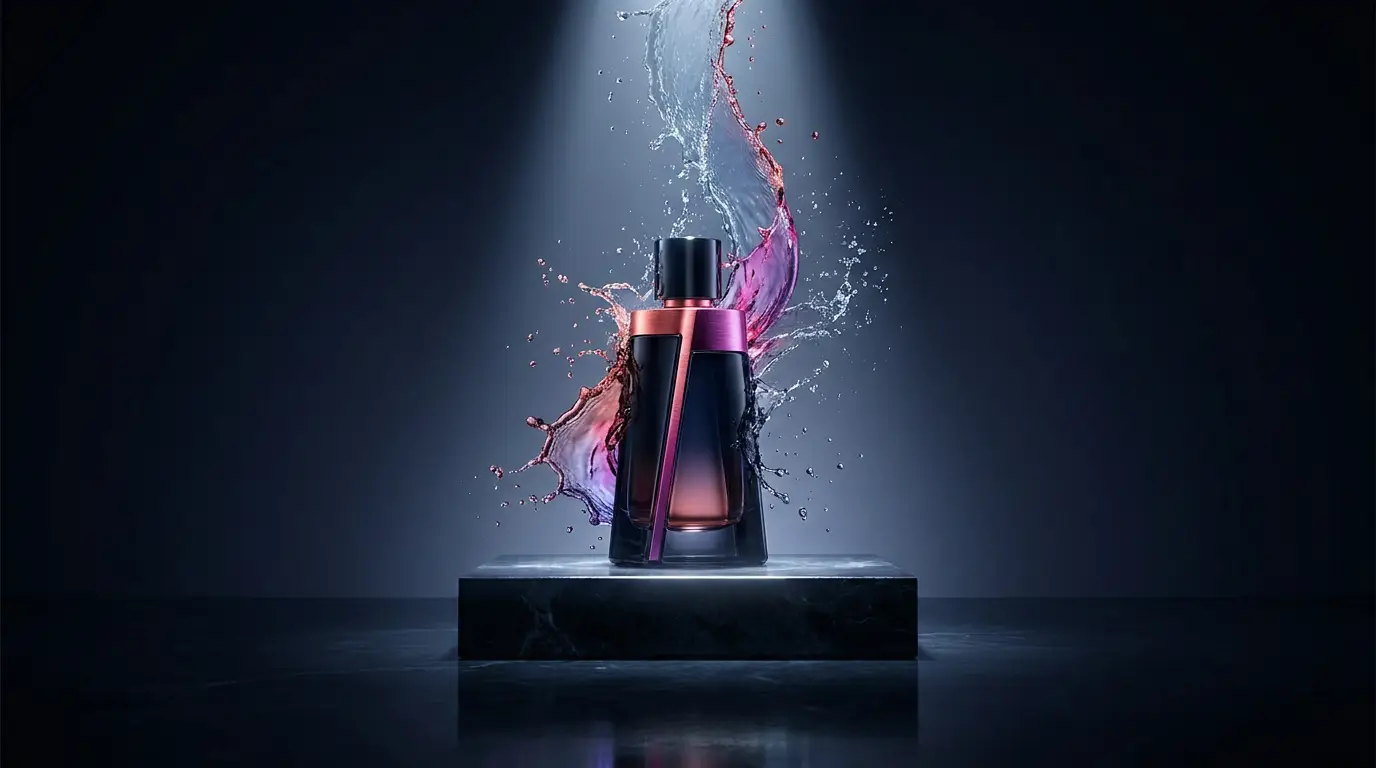
You do not need a film crew to make a product ad anymore. With a single product photo and the right AI workflow, you can produce a clean, motion-rich ad video in an afternoon.
Step 1: Nail the hero image
Start in the Image Studio. Generate or clean up a strong hero shot of the product - good lighting, clear background, on-brand mood. GPT Image 2 and Nano Banana Pro are both excellent here, and you can add reference images to keep the product accurate.
Step 2: Add motion with image-to-video
Take that hero still into the Video Studio and use image-to-video (Seedance 2.0 or Kling 3.0) to add a slow push-in, a rotating reveal, or a lifestyle scene around the product. Keep shots short and generate a few takes.
Step 3: Voice and captions
Add a voiceover with the Lip Sync studio if you are using a presenter, or lay a script over the visuals. Keep the hook in the first two seconds and end on a clear call to action.
Step 4: Ship variations
Export a few versions with different hooks and settings so you can test them on paid social. In Karya, every step runs from one credit balance, the cost is shown before you generate, and credits never expire.
Try it in Karya
Generate images and videos with frontier AI models from one canvas. Subscribe from $19/mo, or top up from $5 - 200 bonus credits with your first purchase, and top-up credits never expire.
Start free