
Guides
Wan 3.0 Can Turn a Document Into a Video - Build the Same Workflow in Karya Flow
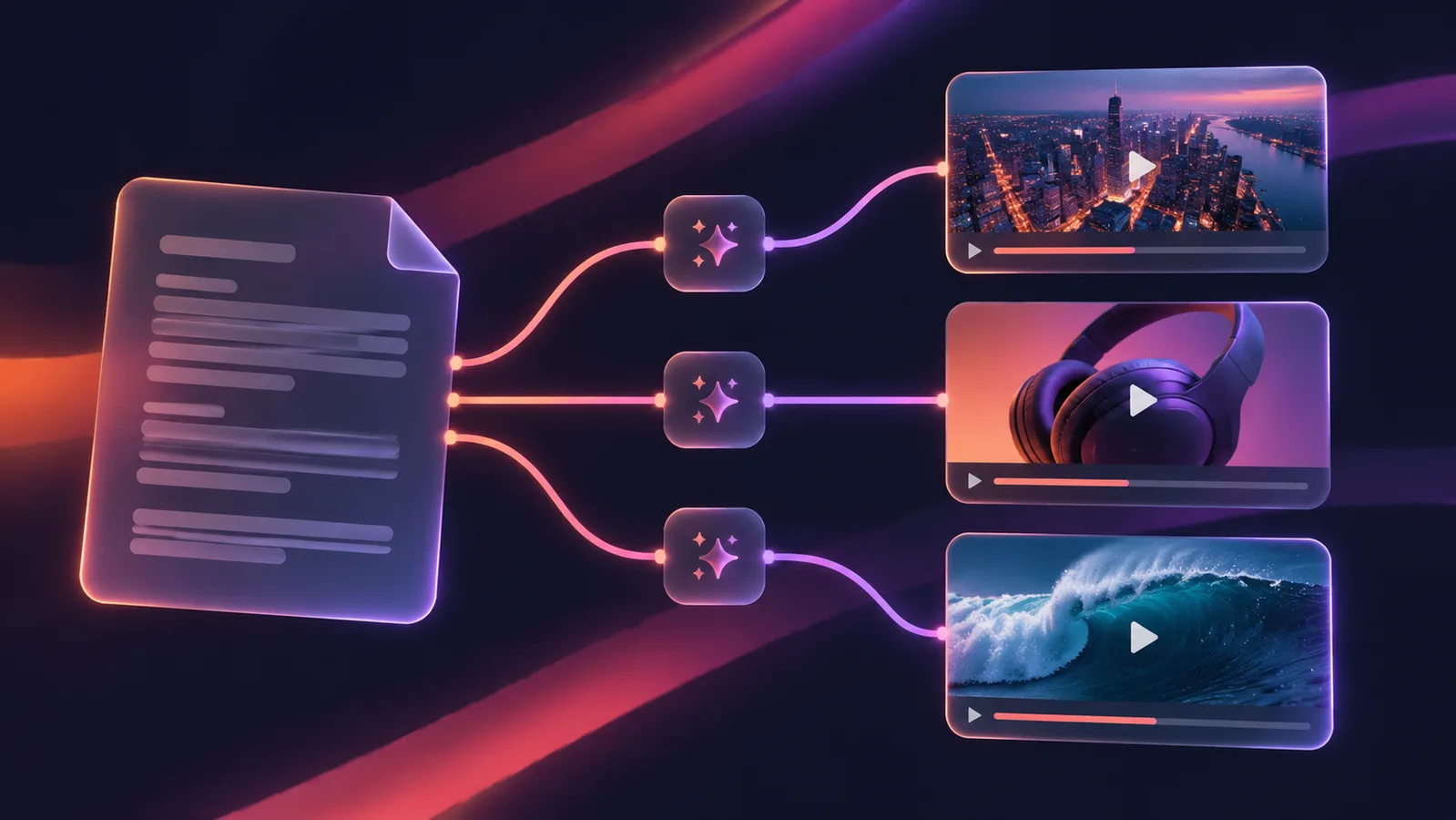
Alibaba's Tongyi Lab put Wan 3.0 into public beta on August 6, 2026, available as wan3.0-video on Alibaba Cloud Model Studio and Qwen Cloud. It generates native 30-second clips with synchronized audio, but the feature getting the most attention is Omni-Reference: alongside the usual text, image, audio and video inputs, Wan 3.0 accepts documents, spreadsheets, slide decks, PDFs and webpages as creative references, and uses them to build the video directly.
What shipped
- Native 30-second single-shot video generation with audio produced in the same pass.
- Omni-Reference: text, image, audio, video, plus doc/xls/ppt/pdf/txt/webpage inputs, all usable as references for one generation.
- The model maps a document's sections to scenes and its notes to voiceover, effectively producing a storyboard and shot list before it renders anything.
- Public beta access through Alibaba Cloud Model Studio (international, ap-southeast-1) and Qwen Cloud; full API rollout is ongoing.
Why this matters even if you never touch Wan 3.0
The actual bottleneck this solves is not video generation, it is the translation step - turning something you already wrote (a product page, a script, a listicle) into a sequence of scene-shaped prompts a video model can use. Most people who have good written content are not natural video-prompt writers, and manually chopping an article into ten separate shot descriptions is exactly the kind of tedious middle step that stops content from shipping.
That translation step is not unique to Wan 3.0's architecture. It is an LLM reading text and producing a structured list - something you can already do with any capable chat model, including the ones already in Karya Flow.
Building the same pipeline in Karya Flow
- Add an Assistant node (Gemini 3 Pro or GPT 5.2) and paste your document or article into the prompt, with an instruction like: "Break this into 5 scenes for a video. Each scene: one line describing the visual, camera move and mood. Output as a list."
- Set the node's Output Mode to "list" and Count to however many scenes you want (2-10). This runs one chat call and returns each scene as a separate output instead of one long block of text.
- Connect that list output's prompt field into a video generation node (Gemini Omni or a Seedance 2.0 tier both work well). Flow detects the multi-output binding and fans the video node out automatically - one generation per scene, up to 10, with progress shown as "k/N" while it runs.
- Add a Video Combiner node after the fan-out to concatenate the rendered scenes into one clip in order, so you get a single finished video, not a folder of separate clips.
Keep the scene descriptions shot-shaped
The quality of the output depends entirely on the shot list the Assistant node writes, so push it toward concrete, filmable language rather than summary sentences. Ask for a subject, an action, a camera move and a mood per scene, not just a restatement of the paragraph's topic. If you want visual consistency across scenes - the same product, the same presenter, the same color grade - add that as a standing instruction in the Assistant prompt so every scene description repeats it, since each fanned-out video generation runs independently and has no memory of the others.
Running it in Karya
This whole pipeline runs inside Flow on models already live in Karya today - no waiting on Wan 3.0's beta or its region availability. Karya shows the estimated credit cost for the flow before you run it, multiplied by the number of fanned-out scenes, and the $5 entry pack is enough to try the pipeline on a short document first.
Try it in Karya
Generate images and videos with frontier AI models from one canvas. Subscribe from $19/mo, or top up from $5 - 200 bonus credits with your first purchase, and top-up credits never expire.
Start free