
Generate with Karya inside Claude
Connect once, then create images and videos with 85+ frontier models by just asking - billed from your Karya credits, free to connect.
https://mcp.karyastudio.io/mcpWorks with the agents you already use
One connector URL, four clients - pick yours below.
Claude
claude.ai - web, desktop & mobile
- Settings → Connectors
- Add custom connector
- Paste the URL below
- Connect, then sign in with your Karya account
https://mcp.karyastudio.io/mcp
ChatGPT
developer mode
- Settings → Connectors (developer mode)
- Add connector
- Paste the URL below
- Sign in with your Karya account
https://mcp.karyastudio.io/mcp
Cursor
MCP servers
- Settings → MCP
- Add server
- Paste the URL below
- Sign in in the browser tab that opens
https://mcp.karyastudio.io/mcp
Claude Code
terminal / CLI
- Run the command below in your terminal
- Type /mcp inside Claude Code to authenticate
claude mcp add --transport http karya https://mcp.karyastudio.io/mcp
Copy the URL
Copy the Karya connector URL above - one URL works for every client.
Add the connector
Paste it into your agent’s connector or MCP settings.
Sign in & create
Sign in with your Karya account once, then just ask for what you want.
How it works
How does MCP work?
Describe what you want in plain language. Claude picks the right Karya tool, generates it, and hands the result back in the same conversation.
Conversation
Result


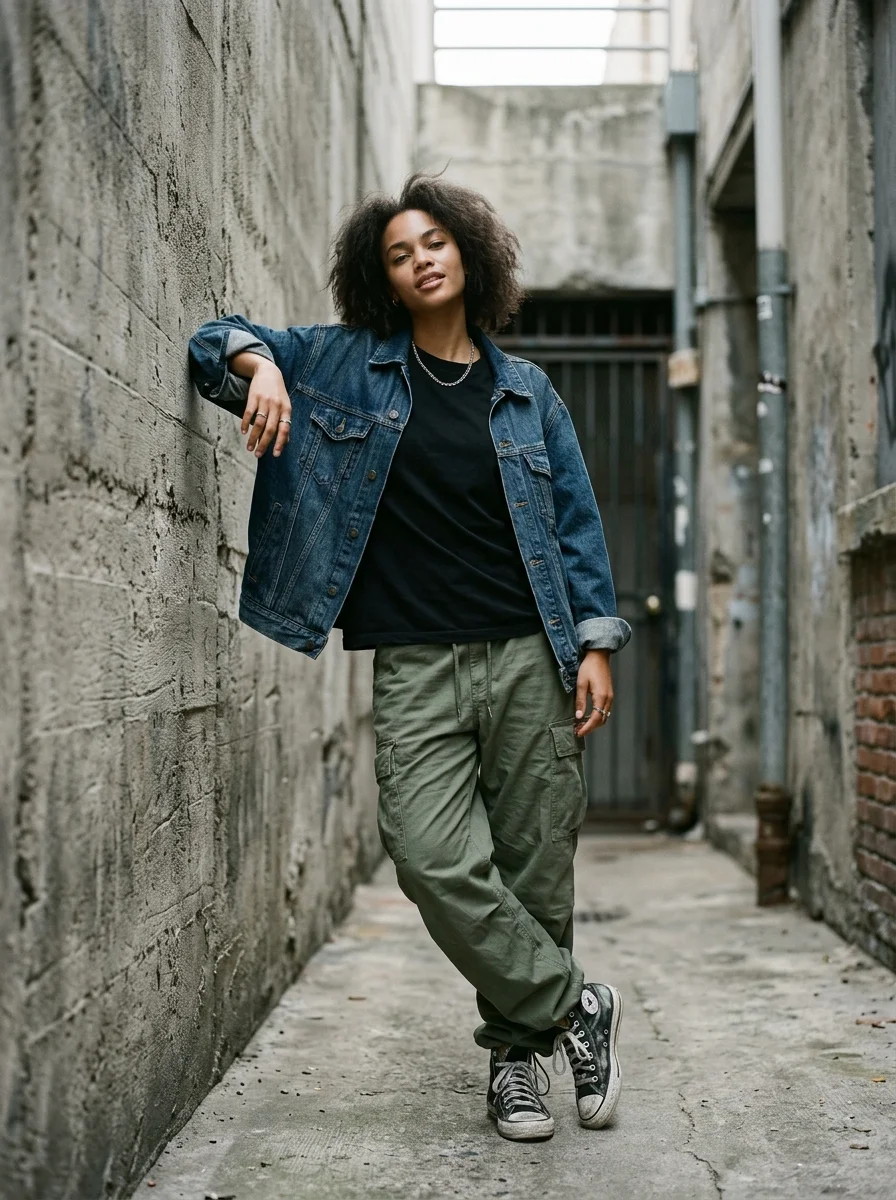
Every creative model, inside Claude
85+ frontier image and video models, one connector. Ask list_models for the full catalog.
Karya Skills
karya-generateTeach Claude how to use Karya well
This Claude Skill teaches Claude exactly how to drive Karya - which model fits the job, how to structure a prompt for it, how to wait on an async video generation, and how to spend your credits wisely instead of guessing.
Claude Code: unzip into .claude/skills/.
claude.ai: Settings → Capabilities → upload skill.
AdvancedFor developers
+
For developers
Prefer a raw API key over the OAuth connector? Create one below and use it with any HTTP MCP client - bearer header or key-in-URL, whichever your tooling supports.
{
  "mcpServers": {
    "karya": {
      "type": "http",
      "url": "https://www.karyastudio.io/api/mcp/mcp",
      "headers": {
        "Authorization": "Bearer YOUR_API_KEY"
      }
    }
  }
}https://www.karyastudio.io/api/mcp/k/YOUR_API_KEY/mcp
Endpoint: https://www.karyastudio.io/api/mcp/mcp
Tool reference - 21 tools
Core
estimate_priceEstimate the Karya credit cost of a generation before running it, given a model id and optional params (aspect_ratio, resolution, duration, quality, mode). Use this to check cost ahead of generate_image/generate_video.generate_imageGenerate an image from a text prompt, optionally guided by up to 10 reference images. Reference images are ordered; refer to a specific one in the prompt positionally as "image 1", "image 2", ... (matching the order of image_urls). Deducts Karya credits up front. Most image models complete quickly and return a url directly; if the result is still processing, call wait_for_generation with the returned id.generate_videoGenerate a video from a text prompt and/or up to 10 reference images. Reference images are ordered; refer to a specific one in the prompt positionally as "image 1", "image 2", ... (matching the order of image_urls). Deducts Karya credits up front. Video generation is ALWAYS asynchronous - this call returns immediately with a "processing" status and an id; call wait_for_generation (or get_generation) with that id to retrieve the finished video url.get_balanceCheck the current Karya credit balance for this account.get_generationFetch the current status of a generation by id (one status check, no polling). Returns the output url once completed, or an error note if it failed/was refunded.get_historyList this account's recent generations (newest first), with status, output url (if any), and credits charged. Deleted and hidden generations are excluded. Each item is kept for 30 days from creation (expires_at) before it is automatically deleted.list_modelsList the AI models available in Karya, optionally filtered by category ("image" or "video"). Each entry includes its id (pass as `model` to generate_image/generate_video), supported aspect ratios/resolutions/durations where applicable, and a fallback credit cost (use estimate_price for an exact quote).wait_for_generationPoll a generation until it finishes (completed/failed/refunded) or the timeout elapses, whichever is first (default 45s, max 60s per call). Use this right after generate_image/generate_video returns a "processing" status. Long-running jobs - especially video - often take longer than one call's timeout: a timeout returns status "processing" as a normal result, not an error. Call wait_for_generation again with the same id to keep polling until it reaches a terminal status.Flow
clone_workflow_templateClone a public Karya Flow template (from list_workflow_templates) into your own account as a new, editable workflow. This only copies the graph - call run_workflow with the returned workflow_id when you are ready to run it.create_workflowCreate a new Karya Flow workflow (a node graph you can run with run_workflow) from scratch, owned by this account. Only a lightweight shape check runs here - each node's model id is validated for real when the workflow runs. Prefer clone_workflow_template when a suitable public template already exists.get_workflow_run_statusAdvance and check a Karya Flow run started by run_workflow. IMPORTANT: this call itself advances the run (reconciles in-flight nodes and submits newly-ready ones) - it is not a passive status check, so call it repeatedly (poll) until the top-level status is "succeeded" or "failed".list_my_workflowsList this account's own saved Karya Flow workflows (newest first).list_workflow_templatesList public Karya Flow workflow templates (reusable multi-step generation pipelines), optionally filtered by category or a name search. Clone one with clone_workflow_template before running it.run_workflowStart a run of one of your saved Karya Flow workflows. Each generation node deducts Karya credits up front, same as generate_image/generate_video. Returns a run_id immediately - the run itself is asynchronous, so call get_workflow_run_status with that id to advance it and check progress.Director
approve_director_storyboardApprove a Karya Director project's storyboard and start rendering. THIS SPENDS CREDITS: a concept-mode project charges here for expanding its chosen concept into segments; a link-mode project charges nothing here but starts spending on the very next get_director_project poll. Call estimate_director_video or get_director_project first to see the cost, then call this with confirm:true. selected_concept_index is required for a concept-mode project (see the concepts in the project's beat_map, via get_director_project).create_director_videoCreate a new Karya Director video project - a product photo (or an existing TikTok/Instagram/YouTube/Facebook video link) turned into a fully produced ad with a written storyboard, voiceover, music, and captions. NOTHING IS CHARGED YET: this only inserts the project. You must then call get_director_project repeatedly with the returned project_id - that call IS the engine tick that advances ingest/analysis/planning - until status reaches "awaiting_approval", then call approve_director_storyboard to spend credits and start rendering.estimate_director_videoEstimate the Karya credit cost of a Karya Director video BEFORE creating it, given the target duration, how many product/presenter reference images it will carry, model_tier, aspect ratio, and whether market research is enabled. Returns a credits figure plus a per-tier ({budget,standard,pro,premium}) comparison ladder - the same math create_director_video/get_director_project will actually charge. Creating a project itself charges nothing, so call this whenever you want a cost check.get_director_projectCheck a Karya Director project by id - AND ADVANCE IT. This call is the engine tick: it reconciles in-flight work and dispatches the next step (charging for it if applicable), exactly like the web app's status poll. Call it repeatedly after create_director_video until status reaches "awaiting_approval" (then call approve_director_storyboard) and again after approving until status is "completed". Returns status, the storyboard summary (opening hook + each segment's script) once planned, credits charged so far, and final_video_url once done.list_director_templatesList Karya Director video template packs (with their variants), opening hooks, and settings - use these ids as template.pack/template.variant/hook.setting in estimate_director_video and create_director_video. One-line blurbs only, no preview media or full prompt text.Marketing
create_marketing_adGenerate a Marketing Studio video ad from a template (a short prompt-template-driven clip - product motion or UGC-style; separate from Karya Director's multi-step storyboarded videos above). Call this WITHOUT confirm first to get a credit estimate and a preview of the assembled prompt; call it again with confirm:true and the SAME arguments to actually spend credits and start generating. Generation is asynchronous - poll the returned id with wait_for_generation/get_generation.list_marketing_templatesList Marketing Studio ad templates - UGC/commercial formats plus product-only "Product Motion" formats - the motion styles that can be layered on top, and the available models with their supported resolutions/durations. Use these ids as template_id/motion_style_id/model_id in create_marketing_ad. No preview media.FAQ
Questions, answered
The Model Context Protocol is an open standard that lets AI agents like Claude call external tools directly. Karya MCP exposes image and video generation as tools any MCP-compatible agent can use in a conversation.
Connecting is free - no separate subscription for MCP access. Each generation spends Karya credits from your wallet, the same balance you use in the Karya studios.
Claude (claude.ai web, desktop, and mobile), ChatGPT in developer mode, Cursor, and Claude Code today - plus any other MCP client that supports HTTP transport.
Yes. Connecting uses OAuth - you sign in with your Karya account and we never see your password. You can revoke access at any time.
Images and videos across 85+ frontier models - editorial photography, UGC-style characters and clips, marketing visuals, and more, all from a plain-language prompt.
No. Karya credits never expire, whether you spend them in the studios or through MCP.
Failed generations are automatically refunded - you only pay for results that actually complete.
Ready to generate from Claude?
Copy the URL, add the connector, sign in - free to connect, credits never expire.