
Guides
Midjourney V8.2: Using Personalization to Keep AI Content On-Brand
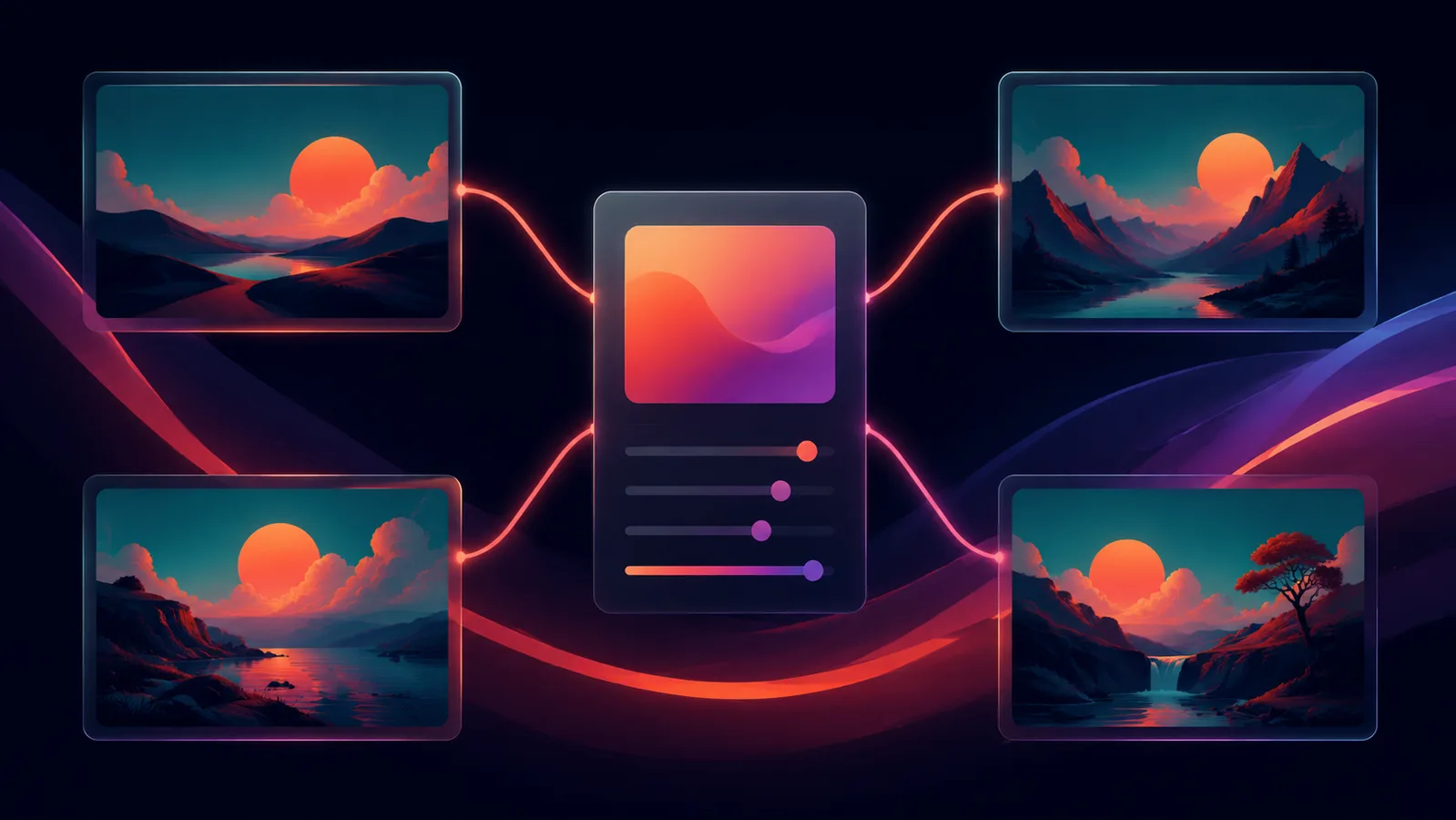
Midjourney V8.2 became the default image model on July 24, 2026. It is not a new architecture - Midjourney is framing it as a refinement of V8.1 - but the two things it targets are both genuinely useful for anyone producing AI images on a repeating schedule: fewer random low-quality results from an otherwise fine prompt, and a personalization system that now draws on a much larger pool of images you have rated to understand your taste.
What changed
- More consistent quality - the same or a near-identical prompt is far less likely to suddenly produce a rough, unusable result, which was a known V8.1 pain point.
- A bigger, better personalization pool - if you have rated hundreds or thousands of images in your Midjourney profile, V8.2 pulls from a larger set of them to steer new generations toward your established look.
- More predictable style references - community reports point to the same style code producing more consistent results across different prompts than before.
Why this matters more than a typical point release
Most model updates chase raw image quality. This one chases repeatability, which is the actual bottleneck for content production: a single striking AI image is easy, but ten images that all look like they belong to the same brand, character, or campaign is the hard part. A personalization system that holds its grip across prompts is worth more to a working creator than a small bump in photorealism.
How to build a personalization profile that actually holds a look
- Rate deliberately, not randomly - when you rank outputs, favor the ones that match the specific look you want to lock in (color grade, composition style, subject treatment), not just whichever image is prettiest in isolation.
- Rate in a batch before a campaign, not mid-campaign - build up a decent-sized rated pool on your target aesthetic first, then generate the actual content, rather than adjusting your taste profile between shots.
- Pair personalization with a written style anchor - keep a short, reusable phrase describing lighting, mood and composition and include it in every prompt alongside the personalization flag, so the profile and the prompt are pulling in the same direction.
- Spot-check consistency across prompt types - a profile that holds for portraits does not automatically hold for product shots or wide scenes; test across the actual mix of content you plan to produce before committing to it for a whole calendar.
From a locked still to a moving clip in Karya
Midjourney V8.2 stops at a still image - it has no video model and no API, so getting a locked look into motion means moving the finished image somewhere else. Once you have a still that matches your personalization profile, download it and bring it into Karya's Video Studio as a reference or start frame: Seedance 2.0 and Gemini Omni both accept an uploaded image and animate it, so the on-brand look you spent time locking in Midjourney carries straight through into the video. Karya shows the credit cost before you generate, credits never expire, and your first purchase comes with 200 bonus credits.
Try it in Karya
Generate images and videos with frontier AI models from one canvas. Subscribe from $19/mo, or top up from $5 - 200 bonus credits with your first purchase, and top-up credits never expire.
Start free